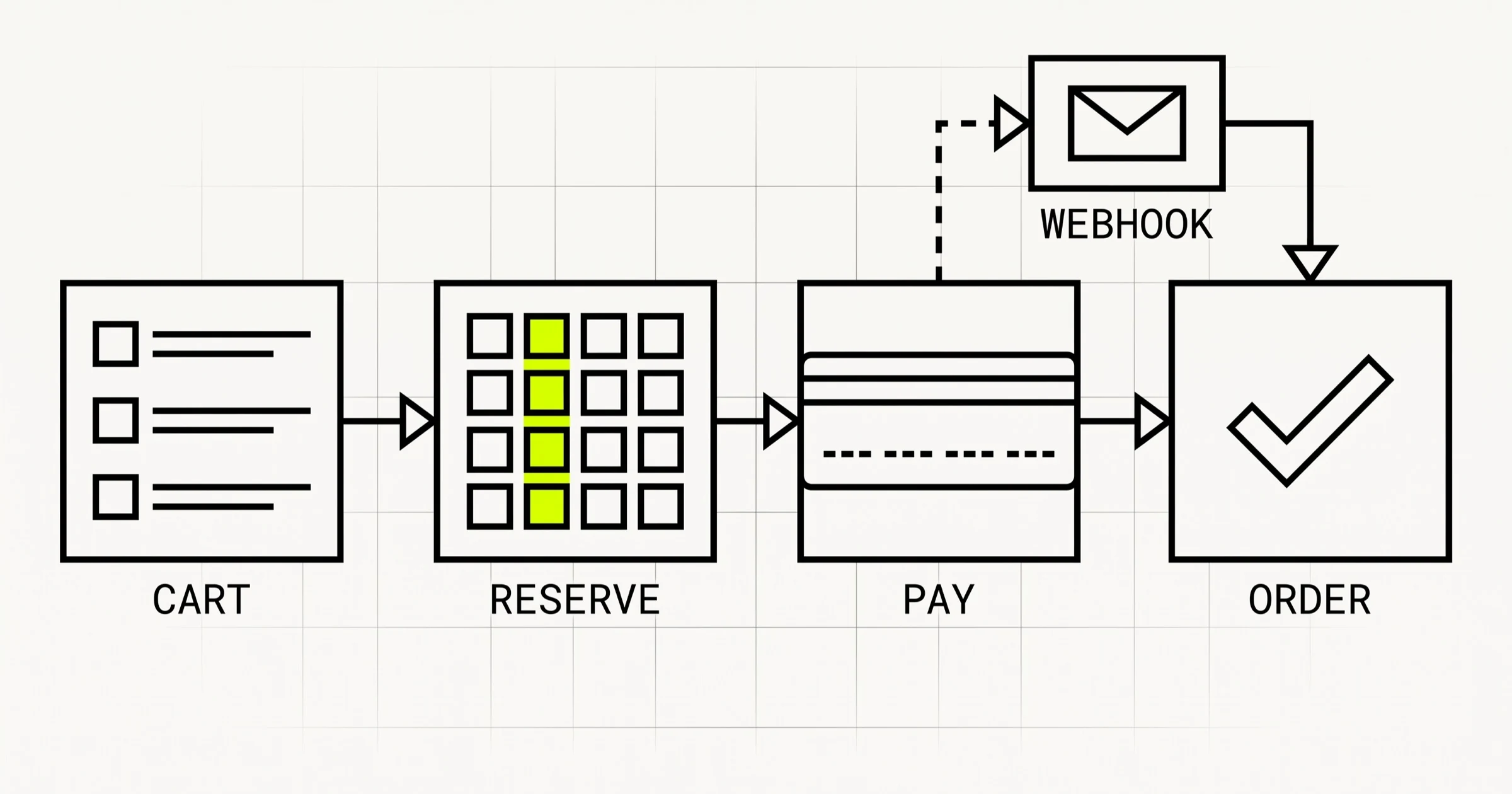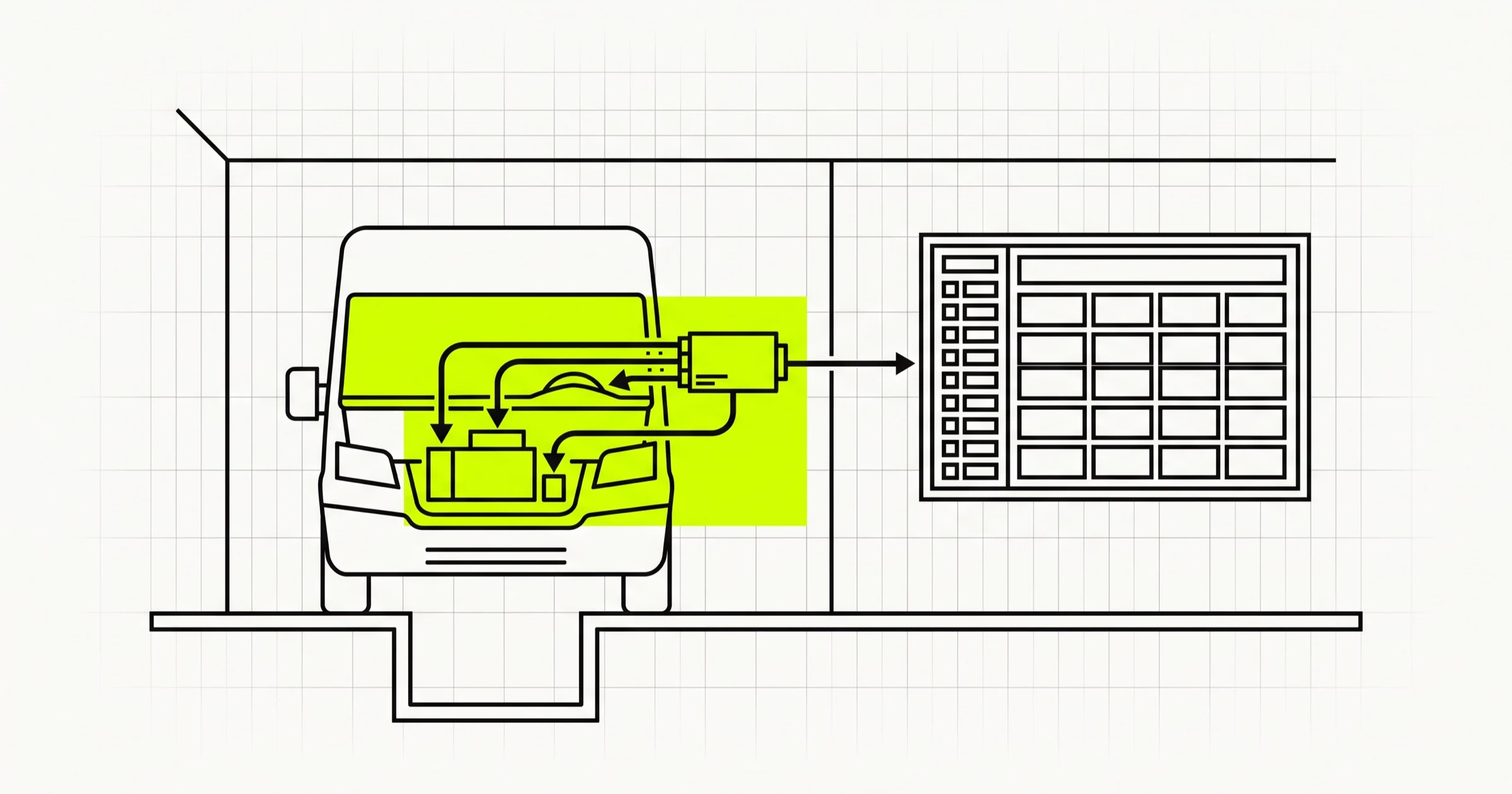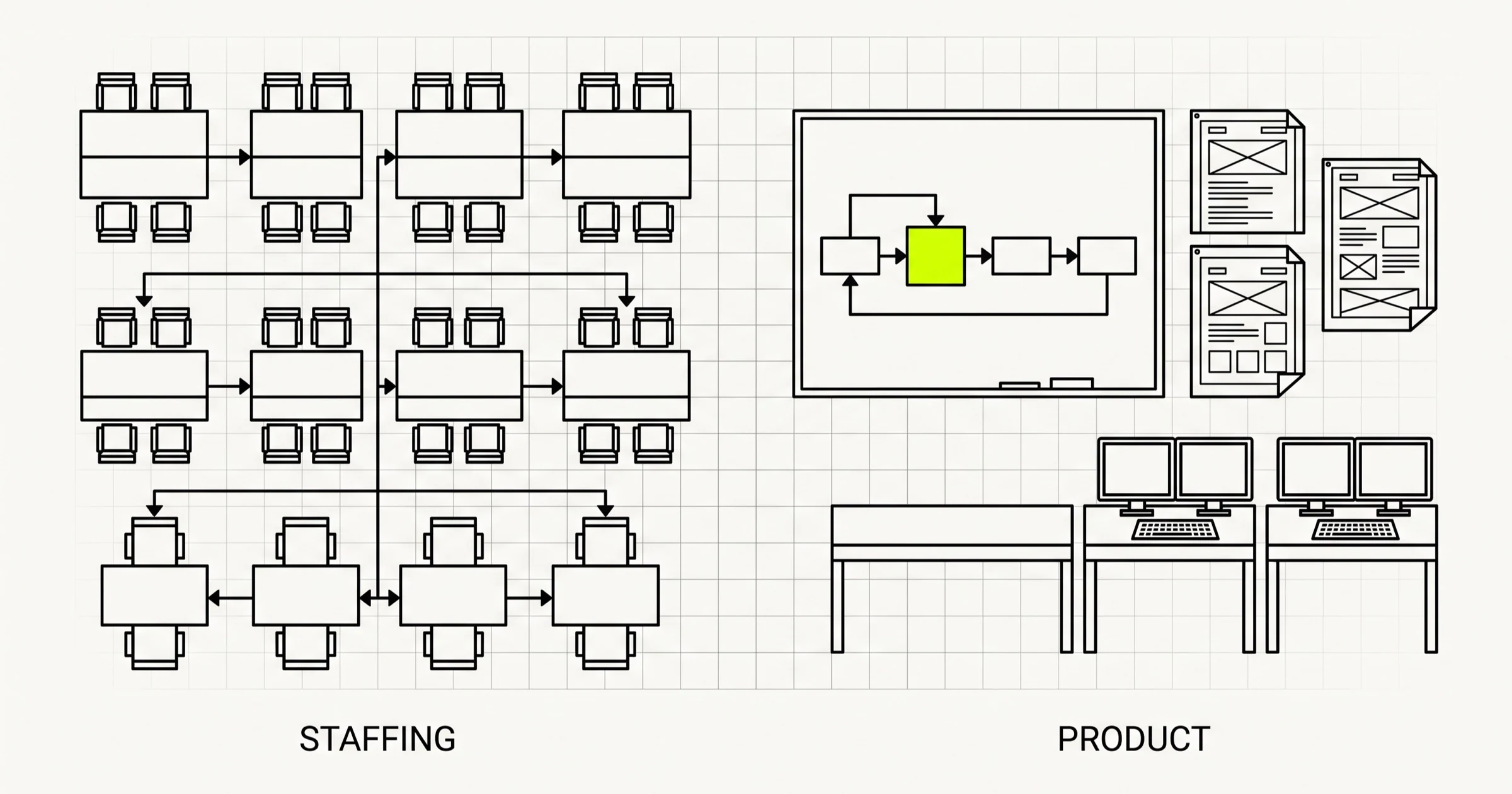
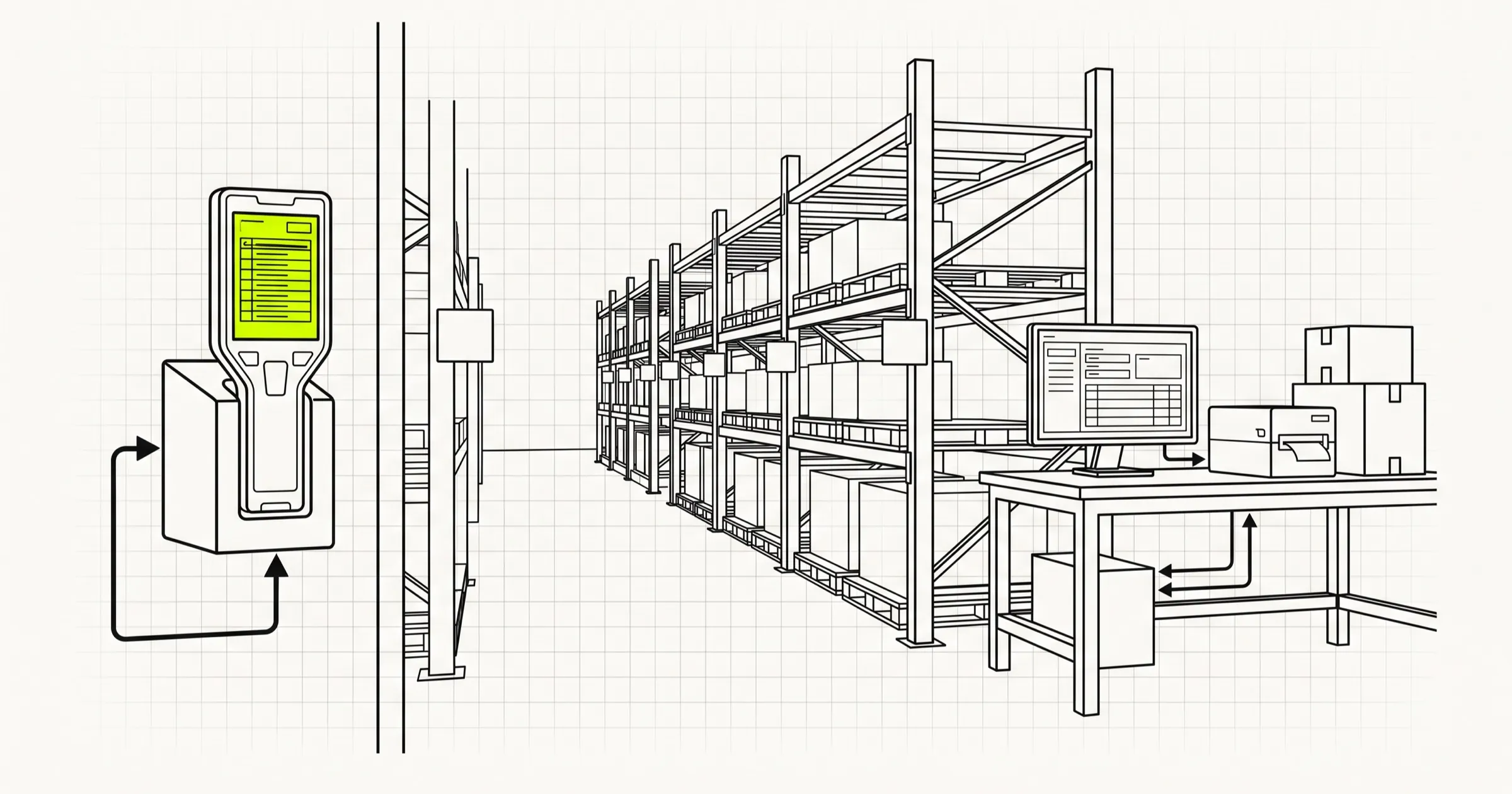
Custom warehouse management software is rarely hard because of its screens. It is hard because every number on those screens has to match what is physically on a shelf, while pickers scan faster than your network can answer, and while an ERP, three sales channels and a courier all push and pull the same stock. Build the inventory ledger, the scanning flow and the integrations first. Dashboards can wait.
Most businesses looking at warehouse management software development already run some version of a WMS: a spreadsheet, an ERP inventory module stretched too far, or an off-the-shelf product that fits most of the floor and fights the rest. The question is not whether to manage stock, it is whether the remaining gap justifies building and owning software.
This guide covers when a custom WMS makes sense, the modules it needs, how to model inventory so it stays trustworthy, what scanning on a real warehouse floor demands, the integrations that take most of the effort (including cash on delivery for Indian ecommerce), the cloud or on-premise choice, and a build order that gets value onto the floor early. It is written as engineering guidance for operations and technology leads deciding whether and how to build.
When custom warehouse management software makes sense
Off-the-shelf WMS products are mature, and for a standard pick-pack-ship operation one of them is usually the right answer. Custom development earns its cost when the operation itself is the competitive advantage, or when the fit gap is in the parts of the process that run all day.
| Situation | Usually better | Why |
|---|---|---|
| Standard B2C fulfilment, common channels, one site | Off-the-shelf | Every feature you need already exists and is maintained by someone else |
| Unusual flows: kitting, light manufacturing, returns grading, bonded stock | Custom, or heavy customisation | These are daily operations; workarounds cost labour every shift |
| Legacy ERP with no good WMS connector | Custom integration layer, sometimes a custom WMS | The integration is the project either way |
| Warehousing sold as a service to many clients (3PL) | Often custom | Client-specific billing, portals and rules are the product |
| Site with unreliable internet or a requirement to keep data on premises | Custom or on-premise product | Most off-the-shelf options assume cloud connectivity |
| Per-user licence costs growing faster than the business | Worth pricing custom | Ownership cost is fixed-ish; licences scale with headcount |
A useful test: list the ten tasks your floor staff do most often in a shift. If the off-the-shelf product handles all ten without a workaround, buy it. If three or more need paper, a spreadsheet or a second system, custom software starts paying for itself in labour rather than features.
The core modules of a warehouse management system
Every WMS has roughly the same skeleton. The effort is not evenly spread across it, and knowing where the difficulty sits is the difference between a realistic plan and an optimistic one.
| Module | What it does | Where the difficulty is |
|---|---|---|
| Locations | Sites, zones, aisles, racks, bins; capacity and rules per location | Getting the location model right before stock is loaded; changing it later means migrating every movement |
| Receiving and putaway | Check inbound against purchase orders, record discrepancies, direct stock to a bin | Partial deliveries, over-deliveries, damaged goods, suggesting a putaway location that makes sense |
| Inventory ledger | Every movement of stock, by SKU, location, lot and status | Concurrency, correctness, performance as movements accumulate |
| Order allocation and picking | Reserve stock for orders, generate pick lists or waves, guide pickers | Allocation rules (FIFO, FEFO, by zone), short picks, batching many small orders |
| Packing and dispatch | Verify picked items, pack, print labels, hand over to carriers | Courier integrations, label formats, manifest cut-off times |
| Cycle counting and adjustments | Count locations without stopping the warehouse, record variances | Counting while stock is moving; approval rules for adjustments |
| Returns | Receive, inspect, grade, restock or write off | Matching returns to orders, especially undelivered cash on delivery parcels |
| Users, roles, audit | Who can do what, and who did what | Keeping it simple on the floor while giving managers control |
| Reporting | Stock on hand, ageing, throughput, accuracy | Reports are easy once the ledger is right, and useless when it is not |
Notice what is not on the list: route planning for delivery vehicles, demand forecasting, and robotics control. Those are adjacent systems. Fleet and dispatch are covered in our guide to fleet management software development, and forecasting and automation in what AI in warehouse automation actually pays back. Keeping them out of the first WMS build is one of the better scope decisions you can make.
Model inventory as movements, not quantities
The single most important design decision in a WMS is how stock is stored. The tempting approach is a table with a quantity per SKU per bin, updated in place. It is simple and it will betray you, because when the number is wrong you have no way to find out why.
An append-only movement ledger
Instead, record every change as a movement: received, put away, moved, picked, packed, shipped, adjusted, returned. Each row carries the SKU, quantity, from location, to location, lot or batch, stock status, a reference to the document that caused it (a purchase order, an order, a count) and the user and device that did it. Stock on hand at any location is the sum of movements into it minus movements out.
Summing the whole ledger for every screen gets slow, so keep a balance table as well, updated in the same database transaction as each movement. The ledger is the truth, the balance table is a cache of it, and a nightly job that recomputes balances from the ledger and reports any difference tells you immediately if something has gone wrong.
Stock status is not a number
"We have 40 units" hides the questions that matter: how many are available to sell, how many are allocated to orders, how many are in quarantine awaiting inspection, how many are damaged. Model status explicitly (available, allocated, quarantine, damaged, in transit) and move stock between statuses through movements, just as you move it between bins.
Lots, batches and expiry
If you store anything with a batch number or expiry date, food, pharmaceuticals, cosmetics, chemicals, add lot tracking from the first migration. Retrofitting it means every historical movement lacks the field you now need. Allocation rules can then pick first-expiry-first-out rather than first-in-first-out, and a recall becomes a query instead of a warehouse search.
Units of measure
Goods arrive in cartons, sit on shelves as inner packs and ship as single units. Store conversion factors per SKU and record every movement in the base unit, with the unit the person scanned stored alongside. Unit conversion bugs are among the most common causes of stock that is wrong by exactly a factor of 12 or 24.
Scanning on the warehouse floor: devices, speed and offline
A WMS lives or dies on the handheld. Office users tolerate a slow screen. A picker scanning hundreds of items a shift will find a way around one, and that workaround is where inventory accuracy goes to die.
One screen, one task, one scan
Design each floor workflow so the next action is always obvious: scan the location, scan the item, confirm the quantity, move on. Large text, large touch targets, sound and vibration for success and error, no scrolling in the main path. If a picker has to read a paragraph to know what went wrong, the flow needs another pass.
Rugged Android scanners or phones
Dedicated Android scanners with built-in barcode engines are faster and far more durable than phone cameras, and they deliver scans as keyboard input or through the vendor's SDK. Phone cameras work for low-volume sites and for occasional tasks such as cycle counts by a supervisor. Decide which devices you will support before building the scanning layer, because the input method shapes the code.
Web app, PWA or native
A responsive web app or progressive web app covers most warehouse screens, runs on scanners with a browser, and is the cheapest to update across every device at once. Native apps become worth it when you need deep scanner SDK integration, printing to mobile printers, or long offline periods. Cleargate, our plant vehicle compliance and gate-pass product, ships as a web PWA plus Android and iOS apps for exactly this kind of mixed floor and office use, and its product page shows how the pieces fit.
Assume the network will drop
Wi-Fi in warehouses is notoriously patchy: metal racking, cold rooms, loading bays. Floor workflows should queue scans locally when the connection drops and sync when it returns, with each scan carrying a unique id so a retry never double-counts. The server must then handle the awkward case where two offline devices picked the same last unit, and flag it for a supervisor rather than silently going negative.
Integrations are most of the project
Almost nobody builds a WMS for a warehouse that talks to nothing. Expect integrations to be a large part of the work, and scope each one on its own.
ERP and accounting
Decide which system owns what. Commonly the ERP owns the item master, suppliers, purchase orders and financial valuation, while the WMS owns physical locations, movements and counts. Sync item data down, send receipts and dispatches up. Write the ownership rules down, because the worst integration bugs come from two systems both believing they can edit the same field.
Sales channels
Your own store, marketplaces and B2B orders all create demand against the same stock. The WMS allocates, then pushes available quantities back to each channel. Build in buffers per channel and a sync that tolerates each channel's rate limits, or you will oversell on the channel that updates slowest.
Couriers and labels
Each courier or aggregator has its own API for booking, labels, manifests and tracking. An internal carrier interface with one adapter per courier keeps packing screens identical regardless of who carries the parcel, and lets you add or drop couriers without touching the floor flows.
Cash on delivery warehouse management software
For Indian ecommerce, cash on delivery changes the warehouse, not just the checkout. Refused and undelivered parcels come back as return-to-origin shipments, and each one has to be received, matched to its original order, inspected and restocked or written off. COD also creates a reconciliation job: remittances from couriers arrive in batches and must be matched against delivered orders. A WMS aimed at COD-heavy sellers needs return-to-origin receiving as a first-class flow, parcel-level status from courier non-delivery reports, and a remittance reconciliation view that finance can use without a spreadsheet.
If you mainly need stock visibility across stores and channels rather than bin-level warehouse control, an inventory management system may be the smaller and better first build.
Cloud or on-premise
Cloud hosting is the default for good reasons: no servers to maintain, easy access for multiple sites and head office, and simpler backups. On-premise still comes up in warehousing more than in most industries.
| Factor | Cloud | On-premise |
|---|---|---|
| Internet outage at site | Floor work stops unless the app works offline | Floor keeps working; sync to head office resumes later |
| Multi-site visibility | Built in | Needs replication or a central sync service |
| IT capability required at site | Minimal | Someone must own the server, backups and updates |
| Customer or regulatory data rules | Depends on region and provider | Data never leaves the site |
| Integration with on-site equipment | Needs a local agent or gateway | Direct on the local network |
| Deploying updates | Once, centrally | Per site, needs a tested process |
Cleargate is deployed on-premise at the plants that run it, and the lesson that transfers to any warehouse system is to design the deployment and update process as part of the product, not as an afterthought. A hybrid is common too: a small local service that keeps the floor running and syncs to a cloud system for reporting and multi-site views. The same rule holds for any shop-floor software, including DatumQ, our manufacturing QA tool for inspection sheets: people on a production or warehouse floor judge software by how few taps a task takes, not by what the dashboard shows.
A build order for warehouse management system development
The fastest way to fail is to build every module to half-completion and go live with all of them. The order below gets trustworthy stock data onto the floor early, then layers the flows that depend on it.
| Phase | Build | Live when |
|---|---|---|
| 1 | Item master sync, location model, movement ledger and balances, users and roles | Stock can be loaded and every movement is audited |
| 2 | Receiving against purchase orders, putaway with scanning | Inbound goods reach a bin without paper |
| 3 | Cycle counting and adjustments | Opening stock is proven accurate before orders depend on it |
| 4 | Order import, allocation, picking | Pickers work from handhelds for one channel |
| 5 | Packing, courier labels, dispatch | Parcels leave with tracking, dispatch posts back to the ERP |
| 6 | Returns, including return-to-origin for COD | Returned stock is back in the ledger with a status |
| 7 | Remaining channels, stock sync back to channels | All demand allocates from one ledger |
| 8 | Reporting, replenishment suggestions, optimisation | Only after accuracy is stable for several weeks |
Phase 3 before phase 4 is deliberate. Going live on picking with an untrusted opening balance produces short picks on day one, and floor staff decide in that first week whether to trust the system. Running a parallel count and fixing the variances first is slow and worth it.
Plan the cutover as a project of its own: a stock freeze or a counted opening balance, training by role on the actual devices, a fallback for the first days, and someone from the build team physically on the floor for the first shifts.
What drives the cost of custom WMS development
Quoting a WMS without details is guesswork, because the same word covers a single-site stock tracker and a multi-client 3PL platform. These are the factors that move the number most:
- Number and type of integrations. Each ERP, marketplace, courier and accounting connection is its own piece of work, and legacy systems without clean APIs cost far more than modern ones.
- Floor workflows. Standard receive, pick, pack is one scope. Kitting, returns grading, cross-docking, serial numbers and lot tracking each add to it.
- Offline and device requirements. A browser app on phones is the cheapest option; native apps with scanner SDKs, mobile printing and long offline periods cost more.
- Deployment model. On-premise or hybrid adds packaging, update and support work.
- Sites and clients. Multi-site stock transfers and multi-client billing for a 3PL change the data model from day one.
- Data migration and cutover. Cleaning item masters and loading opening stock is often underestimated.
Our published rate is about $20 an hour for a senior offshore team, and the useful way to get a real figure is to fix phases 1 to 5 on paper, with the integrations named, before any estimate is taken seriously. The warehouse management software development page covers what we build and how we work with operations teams.
Weighing an off-the-shelf WMS against building one around how your floor actually runs? A Scoping Sprint ($2,300, two weeks) ends with the inventory model, floor workflows and integration plan made for your warehouse, a prototype, and a fixed quote. Or just start a conversation.