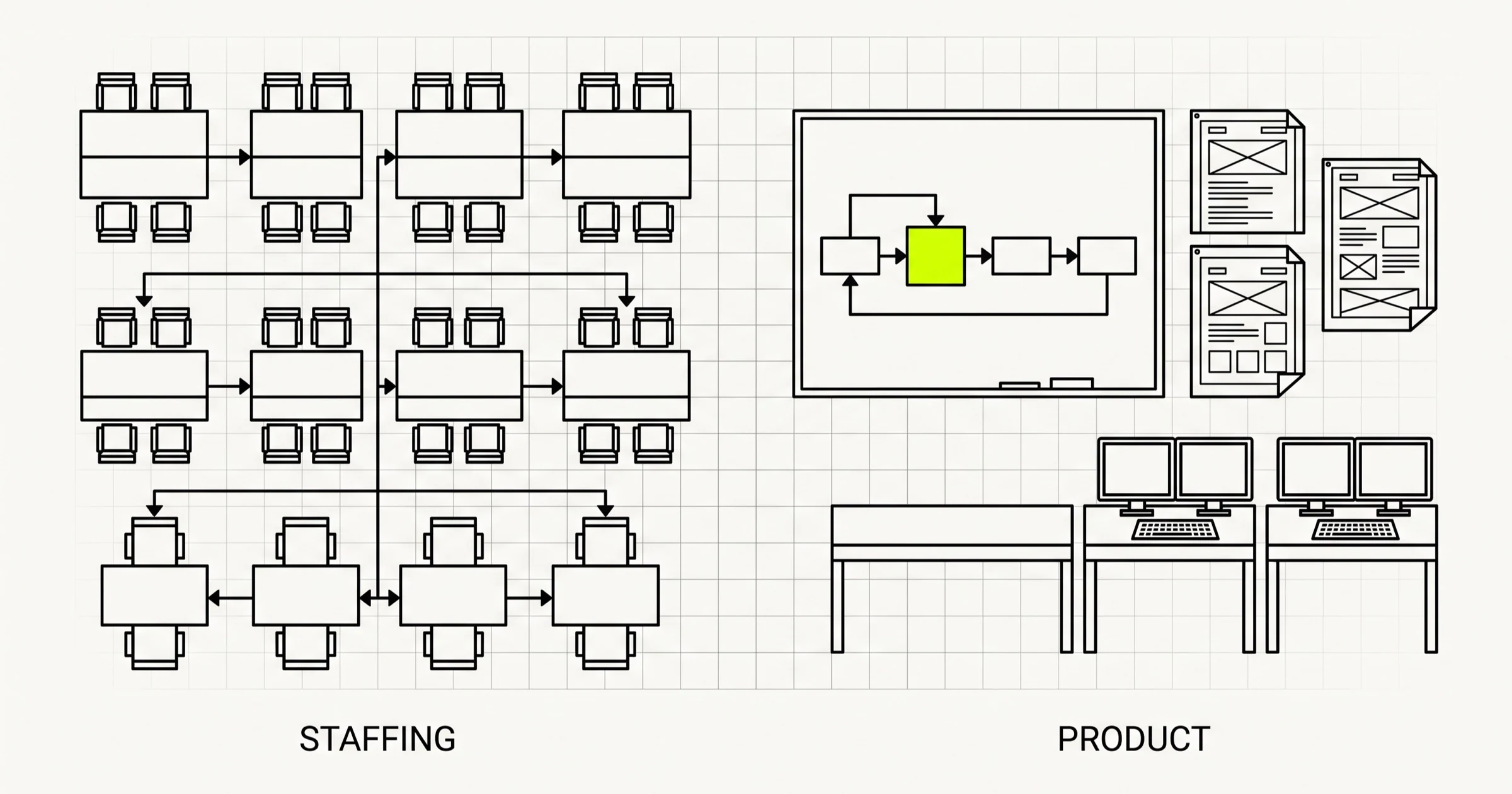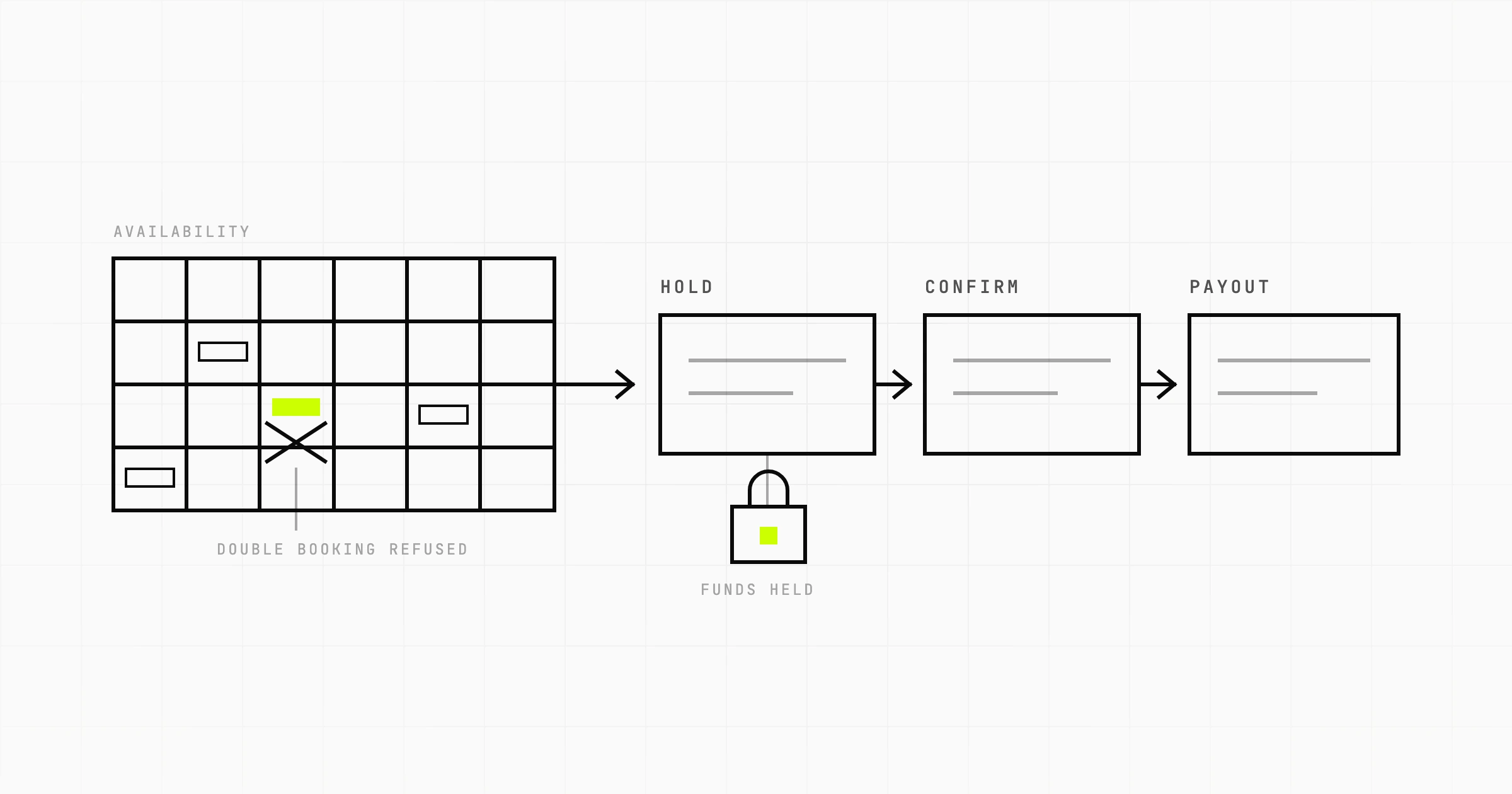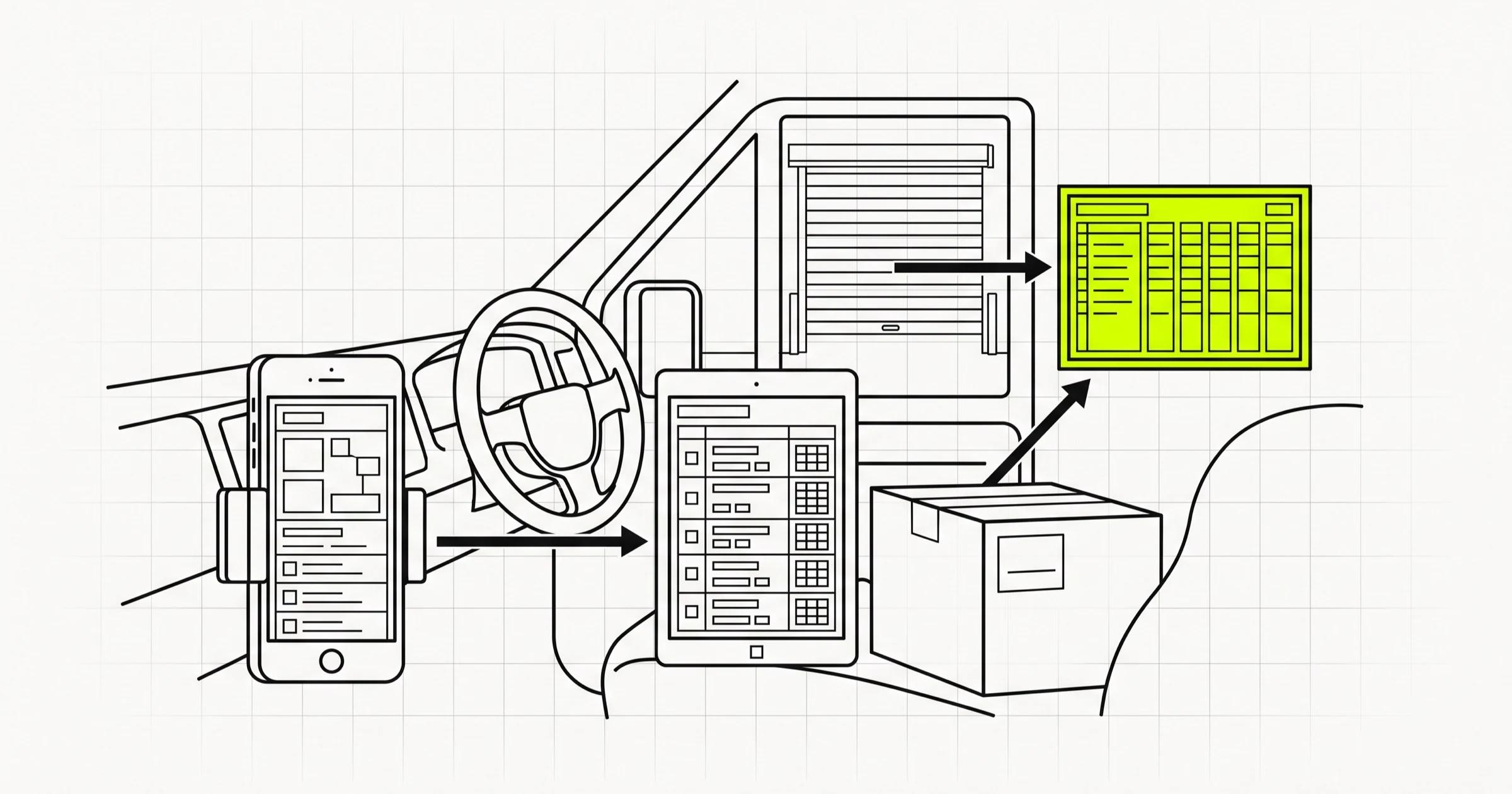
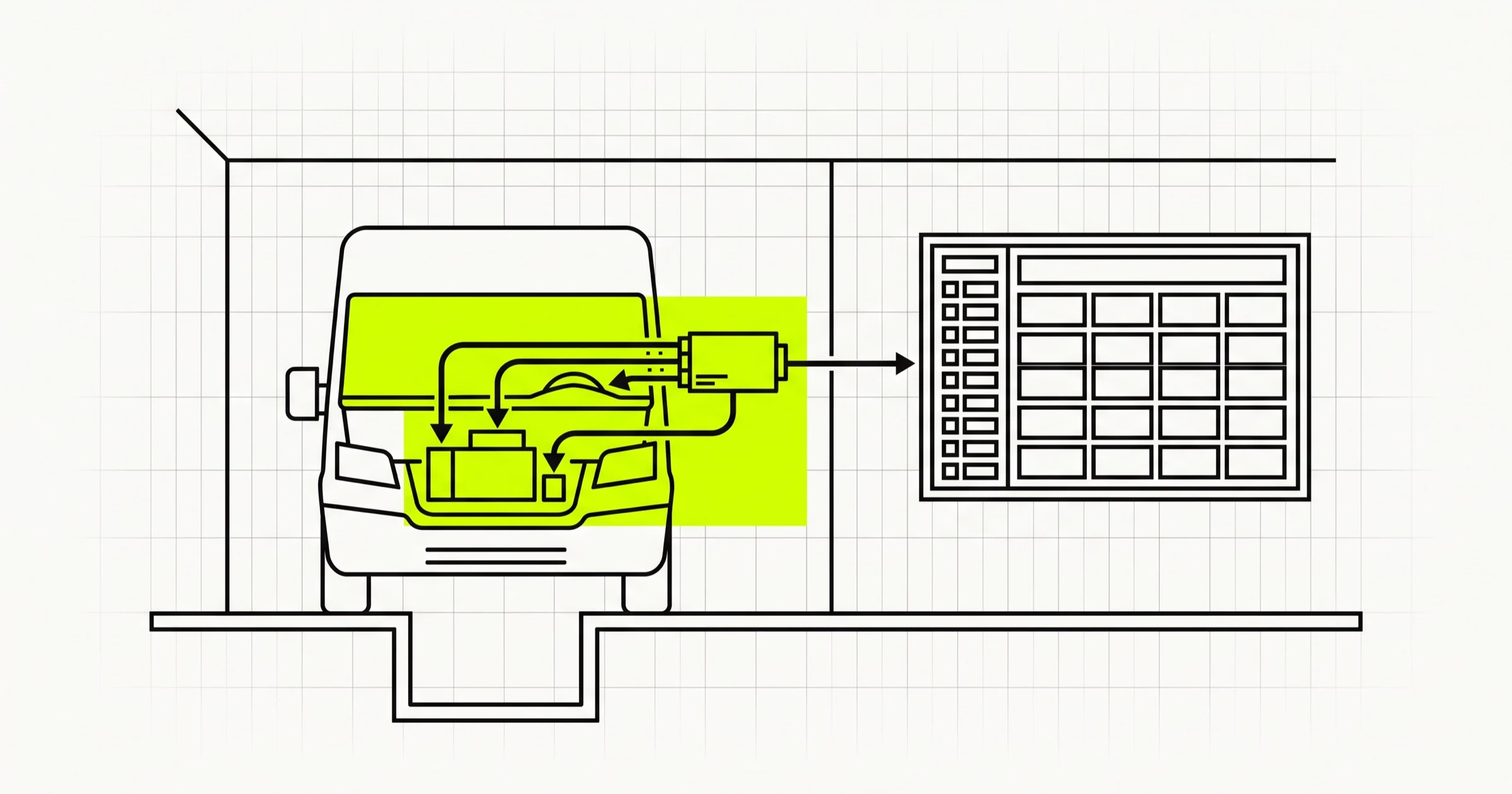
A fleet management system is eight modules, and a first release needs about four of them. The teams that overspend build all eight at once; the teams that stall buy telematics hardware first and work out what the data is for afterwards. This guide goes in the order that works: what the modules are, how device data gets in, when maintenance can move from a schedule to a prediction, what changes when the software has to run inside a plant with no cloud, where AI earns its place, and what a first release costs at a published rate.
Custom fleet management software gets commissioned for one of two reasons. Either an off-the-shelf product cannot model the operation (contractor trucks inspected at a plant gate, a rental fleet where the vehicle is the product), or the operator already runs three tools and a spreadsheet and wants one record of the vehicle instead of four. Both are good reasons. Neither is a reason to build everything.
The mistake that costs the most in fleet management system development is not technical. It is deciding scope by listing every feature a vendor demo has, rather than asking which decision each module changes. A fuel ledger changes which vehicles get pulled for inspection; a compliance module changes whether a truck gets through the gate. If a module does not change a decision somebody makes this month, it is not in the first release.
What a fleet management system is made of
Every fleet management system, whatever the vendor calls the tabs, is some subset of the same eight modules. They share one spine, the vehicle record, and everything else hangs off it.
Vehicle and driver registry
The vehicle as an entity: registration, make and model, ownership or lease, depot, current odometer and engine hours, status. The driver as an entity: licence class and expiry, assigned vehicle, medical and training dates. If a trip cannot be attributed to a vehicle and a driver, nothing downstream works, so build this first and give every other module a foreign key to it.
Telematics ingestion
The pipe that takes GPS, ignition, CAN bus or OBD readings and fuel sensor values from a device or vendor API and turns them into rows against the vehicle record. The most under-scoped module, because a demo shows a dot on a map and the dot looks finished.
Trip and dispatch
A trip is a vehicle, a driver, a start, an end and a purpose. Dispatch is deciding tomorrow's trips. Most fleets need trips reconstructed from telematics long before they need a dispatch board, and fuel, maintenance and reporting all consume the reconstruction, so build it first.
Maintenance scheduling
Service intervals by odometer, engine hours or calendar, whichever comes first per vehicle class, plus work orders and the vehicle's status flipping to "in workshop" so dispatch cannot assign it.
Fuel and cost ledger
Every fuel fill, toll, fine and repair invoice, against the vehicle and where possible the trip. This is the module that pays for the system, because cost per kilometre per vehicle is the number that makes the case for disposal, replacement and driver coaching. It is also the module operators run in a spreadsheet for years.
Compliance and documents
Insurance, fitness certificate, permit, emissions certificate, tax, driver licence, each with an expiry date and a scan. The system's job is to answer "is this vehicle allowed on the road, or through this gate, today" without a human opening a folder.
Gate and yard control
Only site operators need this (plants, ports, mines, anywhere vehicles you do not own must be checked before entry), and they need it badly. Entry and exit events, a gate pass tied to a compliance check, a live count of what is inside. A different user, a guard at a barrier, on a different device and often a different network.
Reporting
Utilisation, cost per kilometre, fuel efficiency, maintenance spend, idle time. Reporting is the output of the other seven modules, and a report built before the fuel ledger is clean produces confident numbers that are wrong.
A first release for most operators is the registry, telematics via a vendor API, trip reconstruction, scheduled maintenance, the fuel and cost ledger, and one report. The rest comes after, when the data it needs exists. If you are commissioning custom fleet management software development, that split is the first thing to agree.
Telematics software development: buy the device data, build the ingestion
The question every custom telematics software project has to answer first: are you building a device platform, or a system that consumes one?
Telematics vendors sell a box that plugs into the OBD port or wires to the CAN bus and reports to the vendor's cloud, and nearly all of them expose an API. Building on it means you never write firmware, manage SIM plans, or debug why one unit in a dead zone has not reported since Tuesday. You pay a per-vehicle monthly fee, and the raw data lives with the vendor first.
Building ingestion yourself, with devices reporting directly to your server, makes sense in three situations: per-vehicle fees exceed the cost of an ingestion team; the data cannot leave your network; or you need readings the API does not expose, typically a specific CAN signal or a third-party fuel sensor. Otherwise, buy the device data and spend the engineering on what you do with it.
Either way, the same three things go wrong in the ingestion layer.
- Two timestamps per reading, always. When the device recorded it and when your server received it. Devices lose signal at yards, in tunnels and inside plants; a good device stores readings locally and forwards them when the link returns, so readings arrive hours late and out of order. If your pipeline assumes arrival order is time order, your trips will show vehicles that teleport. Store and forward is the vendor's job; accepting late data without corrupting the record is yours.
- Raw readings are not trips. A trip is derived: ignition on, movement, ignition off, with a minimum duration so a restart at a traffic light does not create three trips. Keep the raw stream immutable so you can re-run the derivation when the rules change.
- Fuel sensors are the least trustworthy signal you will ingest. Tank readings swing with slope, sloshing and temperature, and a theft alert that fires every time a truck parks on an incline will be switched off in a fortnight. Smooth over a window, evaluate only when stationary, and cross-check against the fuel card ledger.
CAN bus data is richer than OBD but manufacturer-specific and often undocumented, and a mixed fleet gives you both. Normalise them into one set of named signals per vehicle, with a record of which signals each vehicle actually provides, or your fuel-rate report will quietly average vehicles that never reported it.
Maintenance in fleet management: scheduled first, predictive when the history exists
The phrase people search for promises to reinvent fleet maintenance. What actually reduces breakdowns is less dramatic: doing the scheduled service on time, on every vehicle, and having the system rather than a person remember when that is. Build maintenance in this order.
- Interval scheduling from odometer and engine hours. Each vehicle class has a service plan; odometer and hours come from telematics or the driver's daily entry; the system projects the next due date from recent usage and raises the work order in time to book the workshop. For a fleet running maintenance from a wall calendar, this is usually what people were looking for when they typed "predictive" into a search box.
- Fault-code triggered inspection. Once fault codes are flowing, a persistent engine or emissions code opens an inspection task. Not a prediction, a reaction, but a fast one, and it catches what scheduled service misses.
- Condition-based intervals. Adjust the interval per vehicle from how it is used; a truck that idles for hours a day wears differently from one on the highway. This needs a year or so of trip history before it beats the manufacturer's default.
- Predictive maintenance, properly so called. A model that says this component on this vehicle is likely to fail in the next N days. It needs what almost no fleet has on day one: years of maintenance records with the failed component named consistently, telematics over the same period, and enough failures of each type to learn from. A fleet of forty vehicles might have a handful of alternator failures in its history. That is not a training set. It is an anecdote.
Steps one and two deliver the reduction in breakdowns. Step three is a refinement. Step four is something to design the data model for now (name components consistently, record every failure with odometer and hours) and attempt later, if at all. A module that promises prediction before it has recorded anything is a slide.
The on-premise question: when the cloud is not an option
Most fleet software should be cloud hosted. But a meaningful share of operators who commission custom fleet software cannot or will not use the cloud, for good reasons: the plant network is isolated from the internet by policy, and the barrier and weighbridge sit on it; vehicle movement data is location data about people and has to stay on-site or in-country; or the gate at the far end of a yard has no reliable link, and a barrier that cannot open because the cloud is unreachable is a queue of trucks within ten minutes.
What changes in the architecture is more than where the server sits.
The client has to work offline. The practical shape is a progressive web app: it installs on the guard's tablet, caches the screens and reference data it needs (today's expected vehicles, the compliance rules, the valid passes), records events locally when the link drops, and syncs when it returns. Where the device needs a camera for number plates, a scanner, or background operation, native Android and iOS wrappers around the same core earn their place; the mobile app side of a build like this is mostly about what a guard needs to do with one hand in the rain.
The server is a local machine, and somebody has to own it. Either the plant's IT handles backups, updates and certificates, or you ship a deployment boring enough for them to run: one machine, a container image, a documented update procedure.
Sync is a design problem, not a feature flag. Two gates recording entries offline, then reconnecting, can produce a vehicle that exited at gate B before it entered at gate A. Make the event log append-only with device timestamps, resolve conflicts by rule rather than last-write-wins, and show a supervisor when a record was corrected and why. Multi-site consolidation for head office is a second sync path, and belongs in the second release.
Sapient's own reference point here is Cleargate, an in-house plant vehicle compliance and gate-pass system, shipped as a web PWA plus Android and iOS apps and deployed on-premise. That combination, a PWA plus native apps plus a server on site, is the shape the constraints above push a build toward.
The trade-off, stated plainly: on-premise costs more to build, more to run, and is slower to update. It buys operation without the internet, data that never leaves the site, and a gate that opens when the link is down. If none of those matters, host in the cloud and spend the difference on the fuel ledger.
AI in fleet management: where the cost savings are real
"AI in fleet management services" deserves a straight answer, because much of what is sold under that label is a report with a new heading. Where an AI fleet cost analysis tool genuinely earns money, the model is doing something a fleet manager cannot do by eye across hundreds of vehicles and thousands of trips.
- Idle-time and route pattern analysis from your own trip history. Which vehicles idle longest, where, at what time of day, and whether that correlates with a driver, a customer site or a loading bay. Plain statistics over clean trip data find patterns nobody was looking for, and the saving is real because idle is measured directly.
- Anomaly detection on fuel. A per-vehicle model of expected consumption given distance, load and route, alerting when actual diverges. This catches theft, a failing injector and a heavy foot with far fewer false alerts than a fixed threshold.
- Maintenance timing. Not full prediction, but a usage-adjusted interval: this vehicle is worked harder than its class average, bring the service forward. Modest, and buildable on a year of history.
Where it is a dashboard with a new label: a "smart" utilisation report that is a bar chart of hours driven; an "AI" compliance alert that is a date comparison; a chatbot in front of the same reports. Paying an AI premium for those is how "fleet cost savings through AI" becomes a line item with no saving behind it.
The question to ask anyone promising AI software for fleet managers' cost savings is: what are the inputs? Every real use above needs the same three ledgers, clean and joined: trips, fuel and maintenance. No model helps a fleet whose fuel entries are in a spreadsheet with the vehicle typed three different ways. The ledgers you build in a first release are what make a model possible in the second.
The module table: data source, first release, and the decision it changes
| Module | Primary data source | First release? | The decision it changes |
|---|---|---|---|
| Vehicle and driver registry | Manual entry, imported from existing records | Yes | Which vehicle and driver every other record belongs to |
| Telematics ingestion | Device vendor API, or devices reporting directly | Yes, via vendor API | Where the vehicle was and how it was driven |
| Trip reconstruction | Derived from telematics | Yes | Cost and fuel per trip; utilisation per vehicle |
| Dispatch | Planner input, orders from another system | Usually no | Who drives where tomorrow |
| Maintenance scheduling | Odometer and hours from telematics or driver entry; workshop records | Yes, interval-based | Which vehicle goes to the workshop this week |
| Fuel and cost ledger | Fuel card feed, pump controller, receipts, invoices | Yes | Which vehicles to replace, dispose of, or investigate |
| Compliance and documents | Manual entry with scans; expiry dates | Yes, if a vehicle can be barred from the road or a site | Whether the vehicle may operate today |
| Gate and yard control | Guard's device at the barrier; number plate or pass scan | Only for site operators | Whether this truck enters, and what is inside the site now |
| Reporting | Every module above | One or two reports | Depends entirely on which ledger it reads |
The "first release" column is a default, not a rule. A plant operator starts with registry, compliance and gate control; a delivery fleet with registry, telematics, trips and fuel. The column that matters is the last one: if nobody makes that decision, the module can wait.
What custom fleet management software development costs
Sapient publishes a blended rate of about $20 per hour for a senior offshore team. There is no published fleet-specific price band, so what follows is arithmetic at that rate, labelled as illustration. It is not a quote, because the number depends on which modules, which integrations, and whether the answer to the on-premise question is yes.
The working unit is the engineer-week: forty hours, about $800 at the published rate. A first release along the default column above (registry, telematics via one vendor API, trip reconstruction, interval maintenance, fuel and cost ledger, compliance expiries, two reports, responsive web only, cloud hosted) is the kind of build two to three engineers take roughly ten to sixteen weeks to deliver, including design, testing and a data import.
- Lean: two engineers for ten weeks is twenty engineer-weeks, about $16,000.
- Fuller: three engineers for sixteen weeks is forty-eight engineer-weeks, about $38,400.
What moves the number up, each a separate workstream rather than a percentage: on-premise deployment with an offline PWA and sync; native Android and iOS apps; direct device ingestion instead of a vendor API; dispatch, a product in itself and the module most often underestimated; multi-depot, multi-entity and role-based access, which is what enterprise fleet management software development means in practice; and each integration beyond the first.
Then the recurring cost. Sapient's published planning number from operating its own SaaS product is ongoing engineering of fifteen to twenty percent of the original build cost per year, before new features. Fleet software has extra sources of change: telematics vendors update APIs, regulators change document requirements, the vehicle mix shifts. Plan for the maintenance of the maintenance system.
The build order for a first release, which is also the order the money should be spent in:
- Registry, with existing records imported. This is when you discover the same vehicle exists under three registrations.
- Fuel and cost ledger. Before telematics, because the operator already has this data and it gives cost per kilometre from day one.
- Telematics ingestion and trip reconstruction. Now the ledger has trips to attach to, and odometer comes from the device.
- Maintenance scheduling. With odometer and hours flowing, intervals project properly.
- Compliance expiries. Quick, high value, and buildable in parallel with any of the above.
- The two reports the operator asked for at the start. Last, because now the numbers underneath them are real.
The Scoping Sprint is how Sapient turns this into a real number: $2,300 fixed, two weeks, ending with a clickable prototype, a technical plan and a fixed quote, credited in full if we build it. For a fleet build, the sprint is where the on-premise question gets answered, because it changes the quote more than any other single decision.
Buy versus build: when an off-the-shelf fleet product is the right answer
A fleet management software development company that tells every prospect to build is not worth listening to. For many operators an off-the-shelf product is the right answer.
Buy when the fleet is small and will stay small; when the operation is standard (owned vehicles, employed drivers, no site gate, no plant network, no unusual compliance regime); when the telematics vendor's portal already answers the questions the operator actually asks; and when nobody in the organisation will own the product afterwards. Custom software needs an owner who decides what it does next; without one it stops at version one.
Build when the vehicle record has to model something the products do not: contractor vehicles checked at a gate, a rental fleet where the vehicle is inventory, trucks and plant machinery on the same site. Build when the data cannot live in a vendor's cloud, or a barrier cannot depend on an internet connection to open. Build when the fleet system is a component of something larger, such as a logistics platform with its own orders and customers. And build when three years of per-vehicle fees exceed the build plus running cost.
The middle path, and the most common good outcome, is to buy the telematics and build the system around its API: your registry, your ledgers, your maintenance rules, your compliance logic, your reports. That keeps the part that is actually specific to the operation, which is never the dot on the map.
Commissioning fleet management software and unsure which modules the first release needs, or whether it has to run on-premise? A Scoping Sprint ($2,300, two weeks) ends with a module and hosting plan for your fleet, a clickable prototype of the vehicle, maintenance and ledger screens, and a fixed quote. Or just start a conversation.