Introduction to Autonomous Dispatch in Modern Logistics
Logistics and supply chain management are undergoing a radical shift. Traditional dispatch systems rely on rigid, rule-based software or manual coordinators to assign drivers, calculate routes, and handle disruptions. However, as delivery networks grow more complex, these legacy systems struggle to keep pace with volatile traffic, sudden order changes, and driver availability. To stay competitive, forward-thinking logistics companies are turning to multi-agent artificial intelligence (AI) systems to orchestrate their operations dynamically.
By leveraging autonomous AI agents, businesses can automate complex decision-making processes. In this comprehensive technical guide, we will walk you through exactly How to Build an AI Logistics Dispatch Agent Using CrewAI and the Google Maps Platform. This solution combines the collaborative, role-based reasoning of CrewAI with the precise, real-time spatial data of the Google Maps API to create an automated dispatching assistant capable of optimizing fleet routes, managing driver assignments, and resolving real-time transit exceptions.
This is the kind of system we build under logistics software development: tracking, routing, ops consoles and integrations.
If you are planning your overall technology roadmap, understanding these advanced integrations can help you accurately plan your budget. Be sure to explore our guides on Demystifying the SaaS Platform Development Cost: A Complete Budgeting Guide and Demystifying the Mobile App Development Cost: A Comprehensive Guide to align your technical implementation with your business goals.
The Architecture: Why CrewAI and Google Maps Platform?
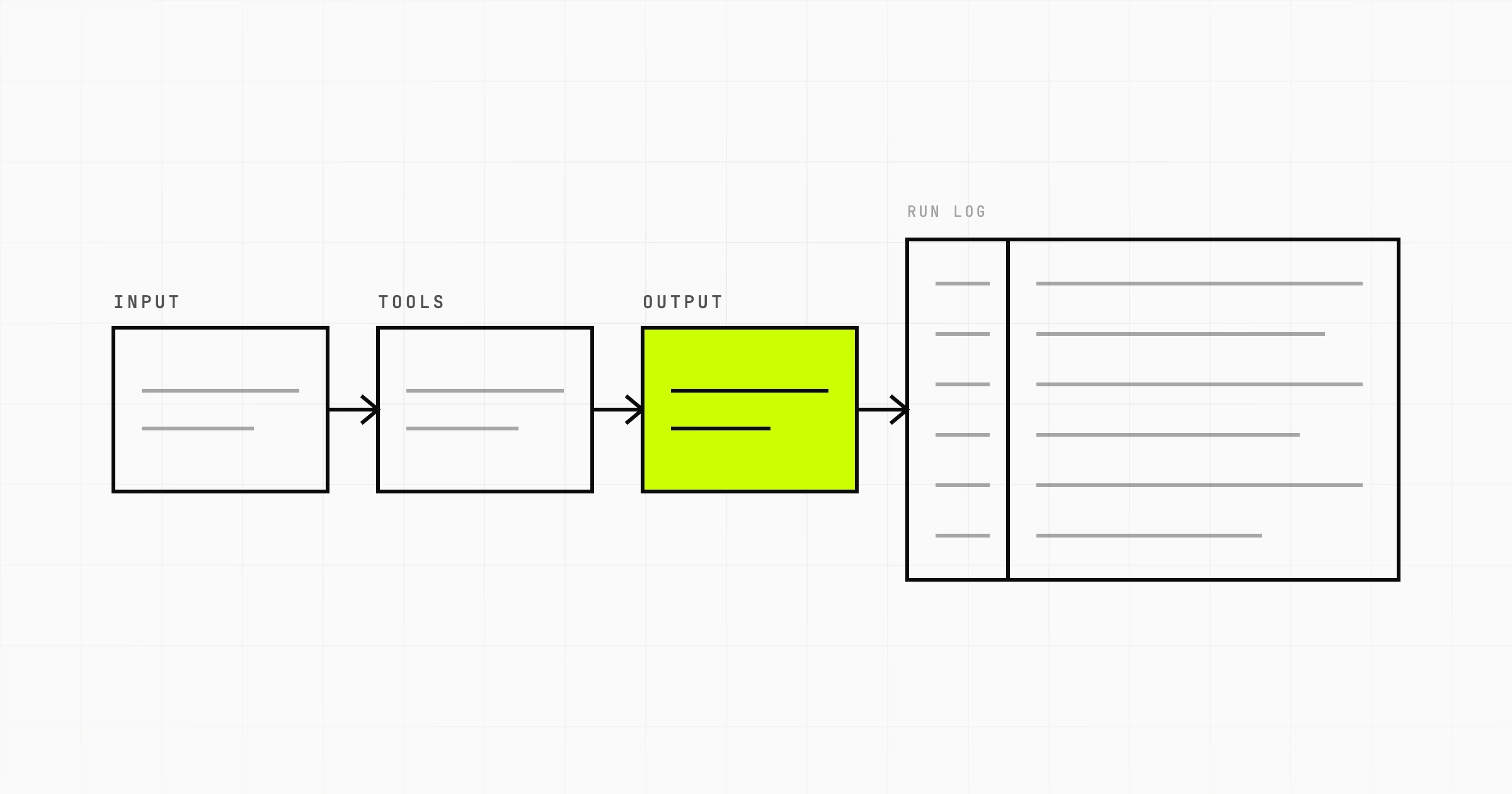
To build a truly resilient AI dispatcher, a single Large Language Model (LLM) is not enough. Single-agent systems often suffer from hallucinations, struggle with multi-step reasoning, and lack real-time computational accuracy. Instead, we use a multi-agent framework where specialized agents handle distinct parts of the workflow, passing structured data to one another.
CrewAI is an open-source framework designed for orchestrating role-playing autonomous AI agents. It allows developers to define agents with specific roles, goals, backstories, and tools, enabling them to work collaboratively to solve complex tasks. For our dispatch system, we will define specialized agents for order triage, route optimization, and driver communication.
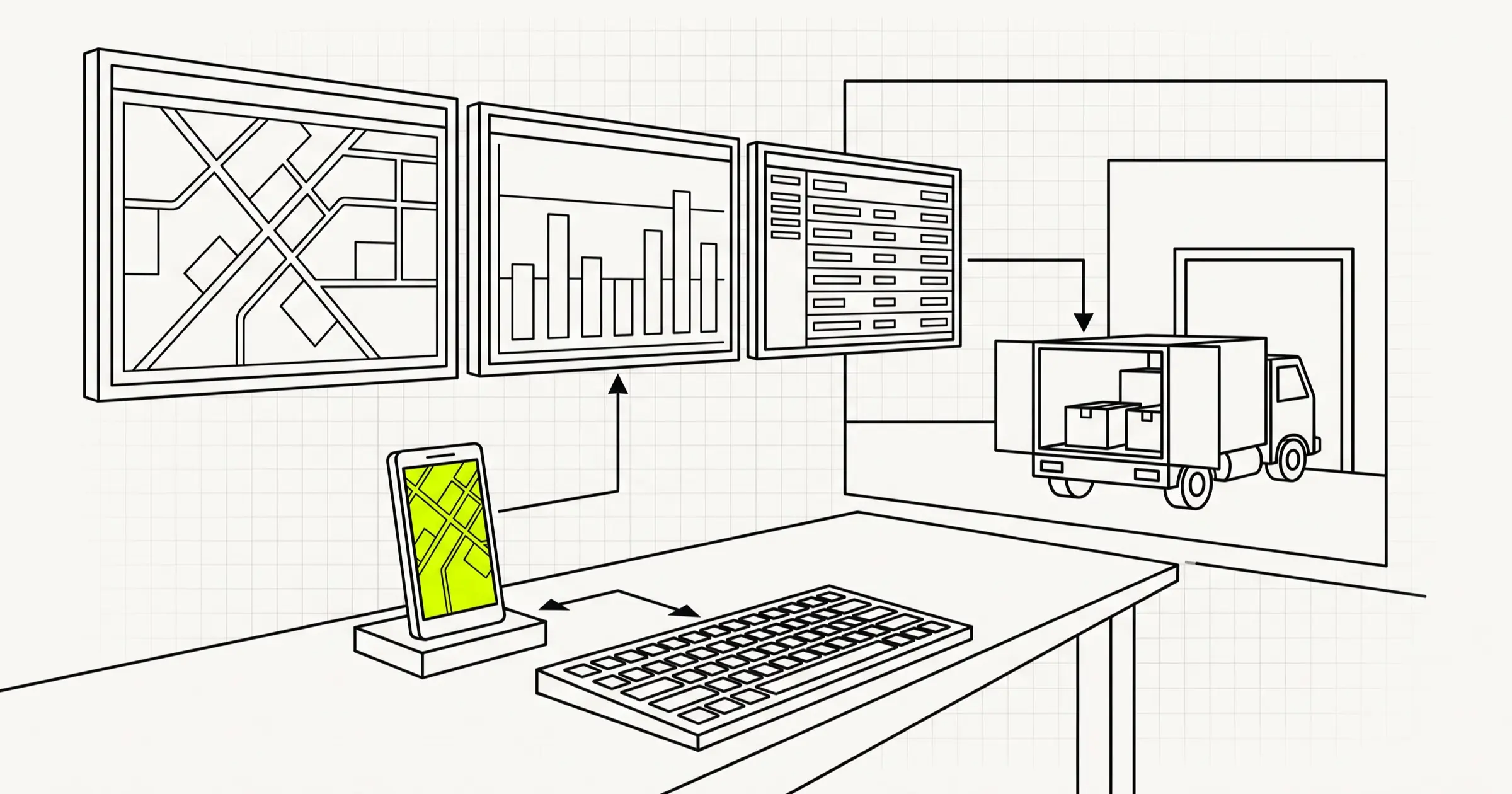
Google Maps Platform serves as the "eyes and ears" of our agents. While LLMs are excellent at reasoning, they cannot natively calculate travel times, geocode addresses, or understand live traffic patterns. By equipping our CrewAI agents with Google Maps Platform APIs, we provide them with high-fidelity, real-time spatial intelligence. The key APIs we will integrate include:
- Directions API: To calculate precise turn-by-turn routes, travel durations, and distances.
- Distance Matrix API: To analyze travel times and distances between multiple origins (available drivers) and destinations (delivery locations) simultaneously.
- Geocoding API: To convert unstructured text addresses into precise latitude and longitude coordinates.
This agentic approach scales incredibly well. For complex supply chains, this architecture can be integrated into broader matching marketplaces. For instance, you can learn more about matching algorithms in our article on Building AI-Powered Buyer-Seller Matching in Logistics Marketplaces with Vector Embeddings.
Setting Up Your Development Environment
Before writing the agent code, we need to set up our Python environment and configure our API credentials. Ensure you have Python 3.10+ installed on your development machine.
The ops UI and APIs usually ship as web application development with real-time channels where needed.
First, install the required dependencies using pip:
pip install crewai langchain-openai googlemaps python-dotenv pydanticNext, create a .env file in your project root directory to securely store your API keys:
OPENAI_API_KEY=your_openai_api_key_here
GOOGLE_MAPS_API_KEY=your_google_maps_api_key_here
Make sure you have a Google Cloud Console account with the Directions, Distance Matrix, and Geocoding APIs enabled, and billing configured to retrieve your Google Maps API key.
Building Custom Google Maps Tools for CrewAI
CrewAI agents interact with the physical world through "Tools." We need to build custom Python tools that wrap around the Google Maps SDK, allowing our agents to fetch routing and distance data programmatically. We will define these tools using Pydantic schemas to ensure structured inputs and outputs.
Create a file named tools.py and implement the following custom tools:
import os
from crewai.tools import tool
import googlemaps
from dotenv import load_dotenv

load_dotenv

gmaps = googlemaps.Client(key=os.getenv("GOOGLE_MAPS_API_KEY"))

@tool("Geocoding Tool")
def geocode_address(address: str) -> str:
 """Converts a physical address string into latitude and longitude coordinates."""
 try:
 geocode_result = gmaps.geocode(address)
 if geocode_result:
 loc = geocode_result[0]["geometry"]["location"]
 return f"{loc['lat']},{loc['lng']}"
 return "Error: Address could not be geocoded."
 except Exception as e:
 return f"Error during geocoding: {str(e)}"

@tool("Route and ETA Tool")
def get_route_and_eta(origin: str, destination: str) -> str:
 """Calculates the best route, distance, and estimated travel time (ETA) under current traffic conditions."""
 try:
 directions = gmaps.directions(
 origin,
 destination,
 mode="driving",
 departure_time="now"
 )
 if directions:
 leg = directions[0]["legs"][0]
 distance = leg["distance"]["text"]
 duration = leg["duration_in_traffic"]["text"]
 start_addr = leg["start_address"]
 end_addr = leg["end_address"]
 return f"Route from {start_addr} to {end_addr}: Distance = {distance}, ETA (in traffic) = {duration}."
 return "Error: No route found."
 except Exception as e:
 return f"Error fetching directions: {str(e)}"

@tool("Distance Matrix Tool")
def get_distance_matrix(origins: str, destinations: str) -> str:
 """Compares distances and travel times between multiple start locations and a destination to find the closest driver."""
 try:
 # Expecting origins to be comma-separated addresses or coordinates
 origins_list = [o.strip for o in origins.split("|")]
 matrix = gmaps.distance_matrix(
 origins=origins_list,
 destinations=[destinations],
 mode="driving",
 departure_time="now"
 )
 results = []
 for i, origin in enumerate(origins_list):
 row = matrix["rows"][i]["elements"][0]
 if row["status"] == "OK":
 duration = row["duration_in_traffic"]["text"]
 distance = row["distance"]["text"]
 results.append(f"Driver at {origin}: Distance = {distance}, ETA = {duration}")
 else:
 results.append(f"Driver at {origin}: Route unavailable.")
 return "\n".join(results)
 except Exception as e:
 return f"Error calculating distance matrix: {str(e)}"
These custom tools utilize the @tool decorator from CrewAI, making them easily consumable by any agent we instantiate. If you want to understand how this agentic tool usage compares to other LLM frameworks, read our analysis on OpenAI Functions vs Anthropic Tool Use: Building AI Agents for Insurance Claims Processing.
If you're piloting one corridor or fleet first, start from a published MVP cost breakdown before a multi-site rollout.
Defining the CrewAI Agents and Tasks
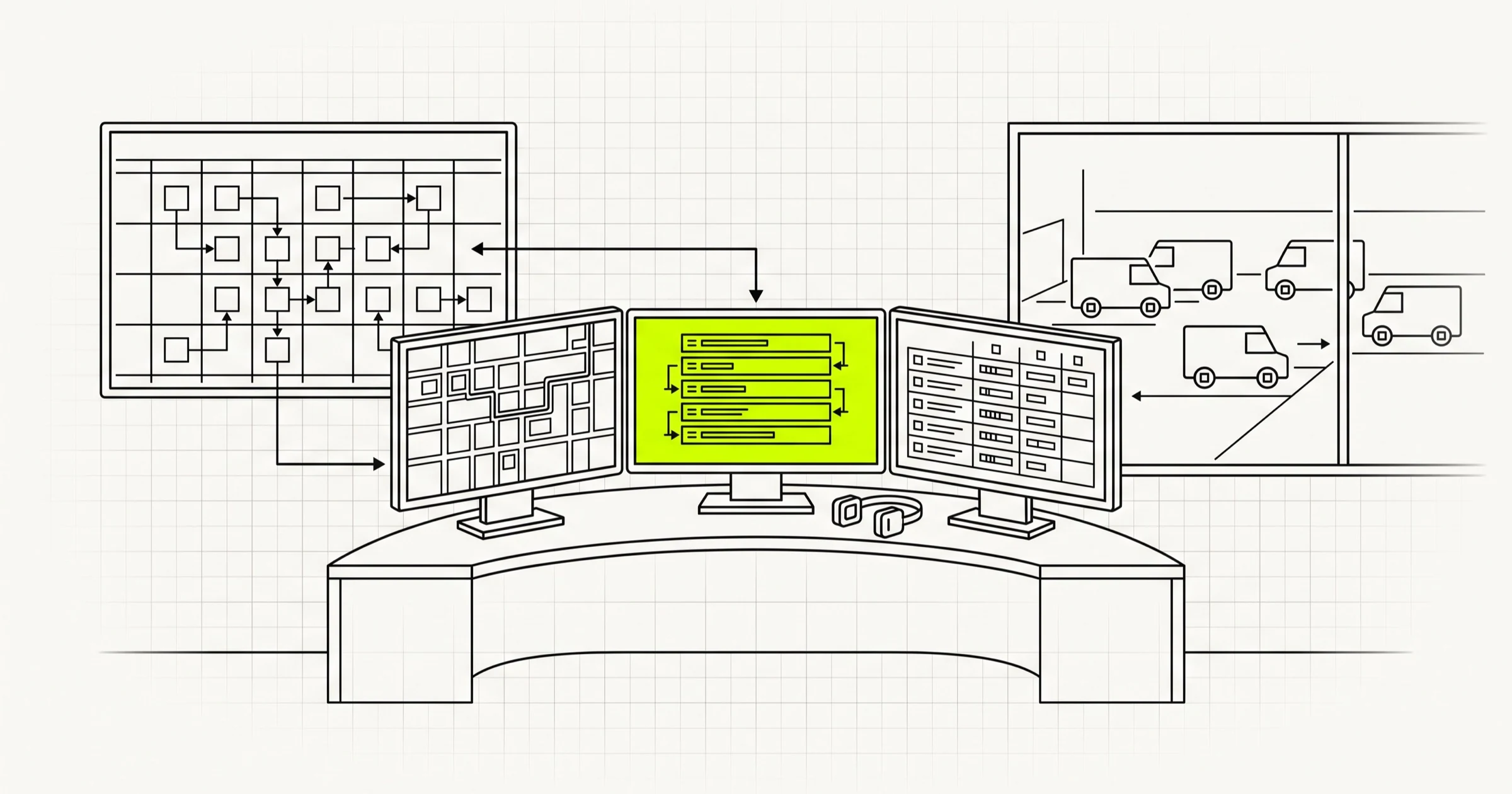
Now, we will define our team of AI dispatch specialists. For an optimized dispatch operation, we require three distinct roles:
- The Logistics Triage Specialist: Responsible for processing incoming delivery orders, parsing physical addresses, and geocoding them into coordinates.
- The Route and Fleet Optimizer: Uses the Google Maps tools to analyze the real-time locations of active drivers, compare travel times, and select the optimal driver-route combination.
- The Dispatch Communications Officer: Generates structured dispatch instructions, drafts driver alerts, and provides a concise summary for the logistics dashboard.
- Reduced Operational Latency: Manual dispatching often introduces a 10-to-30-minute delay per order as coordinators manually evaluate maps. An AI agent processes complex multi-point travel data and issues assignments in seconds.
- Dynamic Exception Handling: If a driver gets delayed in traffic or a vehicle breaks down, the AI agent can continuously run in the background, detect the anomaly via live GPS telemetry, and automatically re-route or re-assign the order without human intervention.
- Improved Unit Economics: By choosing drivers based on real-time traffic-adjusted proximity rather than simple straight-line distance, businesses can reduce fuel usage, limit vehicle wear and tear, and maximize the number of daily completed deliveries per driver.
Create your main execution file, dispatch_crew.py, and write the following code to configure the agents, tasks, and workflow orchestrator:
import os
from dotenv import load_dotenv
from crewai import Agent, Task, Crew, Process
from langchain_openai import ChatOpenAI
from tools import geocode_address, get_route_and_eta, get_distance_matrix

load_dotenv

# Initialize the LLM
llm = ChatOpenAI(
 model="gpt-4o",
 temperature=0.2
)

# Define Agents
triage_specialist = Agent(
 role="Logistics Triage Specialist",
 goal="Accurately parse incoming delivery requests and geocode locations.",
 backstory="You are an expert in geospatial data processing. Your job is to take raw, messy address data, standardize it, and convert it to precise latitude/longitude coordinates.",
 tools=[geocode_address],
 llm=llm,
 verbose=True
)

route_optimizer = Agent(
 role="Route and Fleet Optimizer",
 goal="Identify the best available driver and calculate optimized delivery routes using real-time traffic data.",
 backstory="You are a master mathematical router. You utilize spatial distance tools to compare driver locations, evaluate active traffic constraints, and assign the absolute most cost-effective and fastest route.",
 tools=[get_route_and_eta, get_distance_matrix],
 llm=llm,
 verbose=True
)

dispatch_communicator = Agent(
 role="Dispatch Communications Officer",
 goal="Draft structured, clear dispatch instructions for fleet drivers and update the system logs.",
 backstory="You are a precise communicator. You translate complex routing coordinates and timing data into clean, professional dispatch logs and direct messages that drivers can act upon immediately.",
 tools=[],
 llm=llm,
 verbose=True
)

# Define Tasks
triage_task = Task(
 description="""
 Analyze the incoming delivery request:
 Delivery Destination: '{delivery_destination}'
 Geocode this destination to get coordinates.
 """,
 expected_output="The standardized physical address and its geocoded latitude/longitude coordinates.",
 agent=triage_specialist
)

routing_task = Task(
 description="""
 Using the geocoded destination from the previous task, evaluate the following active driver locations:
 Drivers' Locations: '{driver_locations}'
 Use the Distance Matrix Tool to compare travel times from all drivers to the destination.
 Select the best driver based on the shortest estimated travel time under current traffic conditions.
 Then, run the Route and ETA Tool for the selected driver to get complete route details.
 """,
 expected_output="A detailed breakdown showing which driver was chosen, why they were chosen (including specific travel times), and the calculated distance and traffic-aware ETA.",
 agent=route_optimizer
)

dispatch_task = Task(
 description="""
 Compile the finalized dispatch plan.
 Create two outputs:
 1. A 'Driver Alert Message' containing friendly, clear, step-by-step pick-up/drop-off instructions and ETA.
 2. A structured 'Logistics Dashboard Summary' in JSON format containing fields for: driver_id, destination_address, total_distance, estimated_duration_minutes, and priority.
 """,
 expected_output="A professional, structured markdown document containing the final driver notification and the logistics JSON system log.",
 agent=dispatch_communicator
)

# Instantiate the Crew
logistics_crew = Crew(
 agents=[triage_specialist, route_optimizer, dispatch_communicator],
 tasks=[triage_task, routing_task, dispatch_task],
 process=Process.sequential,
 verbose=True
)
Running Your AI Dispatch Crew
To run our dispatch agent, we will pass real-world sample data into our inputs. Let us assume we have an incoming delivery for a gourmet restaurant in San Francisco, and we have three active drivers stationed in different parts of the city. Add the following execution script to the bottom of your dispatch_crew.py file:
if __name__ == "__main__":
 # Mock Input Data
 inputs = {
 "delivery_destination": "Golden Gate Park, San Francisco, CA",
 "driver_locations": "Union Square, San Francisco, CA | Mission District, San Francisco, CA | Marina District, San Francisco, CA"
 }

 print("\n--- Initiating AI Logistics Dispatch Agent ---\n")
 result = logistics_crew.kickoff(inputs=inputs)

 print("\n--- Dispatch Process Completed ---\n")
 print(result)
When you execute this script, you will see CrewAI coordinate the task progression. The Logistics Triage Specialist will first turn 'Golden Gate Park' into coordinate formats. Then, the Route and Fleet Optimizer will check the travel times from Union Square, the Mission District, and the Marina District to Golden Gate Park, factoring in live congestion. Finally, the Dispatch Communications Officer will write up the driver's task instructions and output a clean JSON payload for your central fleet system.
For operations aiming to achieve hyper-optimized routes with multiple drop-offs or cargo capacity constraints, integrating specialized solvers can enhance performance. You can read more on this in our guide on How to Optimize Last-Mile Delivery Routes with OR-Tools and Python for Logistics Companies.
Strategic Benefits of Autonomous Dispatching
Transitioning from a manual dispatch matrix to an AI-driven, multi-agent dispatch system provides significant competitive advantages for supply chain operations:
For enterprise-grade implementations, custom-built tools ensure your operational data remains secure and scalable. To learn more about customized solutions tailored for this industry, explore our dedicated services in Logistics Software Development.
Conclusion and Next Steps
Building an autonomous dispatch agent by pairing CrewAI's robust collaborative agent workflows with the precise mapping capabilities of the Google Maps Platform is a powerful step toward modernizing logistics. The combination of structured reasoning and live real-world physical context allows your software to make complex operational decisions autonomously, reliably, and instantly.
As you scale this MVP, consider introducing additional data inputs to your agents, such as driver shift limits, vehicle cargo volume capacities, and customer delivery time-windows. With multi-agent systems, adding complexity is as simple as defining a new tool or introducing a new agent to the crew, ensuring your system remains future-proof, flexible, and ready to meet the logistical challenges of tomorrow.
Building logistics software? A Scoping Sprint ($2,300, two weeks) ends with a clickable prototype, a technical plan and a fixed quote — or just start a conversation.