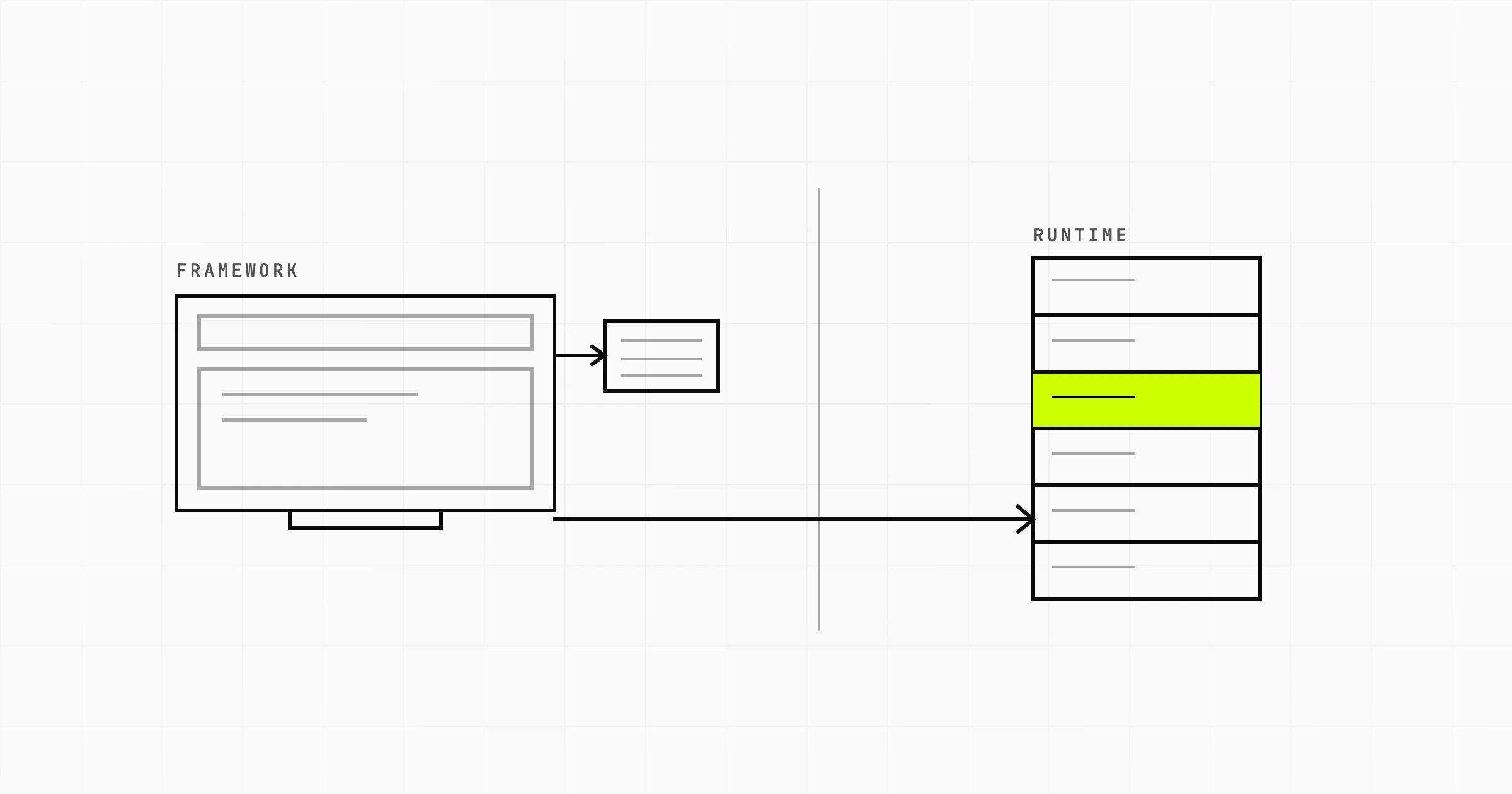
Node.js is a JavaScript runtime. Next.js is a React framework that runs on that runtime. They are not two options you pick between. Every Next.js application in production is either a Node process or a set of serverless functions executing the same JavaScript. Asking whether to use Next.js or Node.js is close to asking whether to drive a car or an engine.
This matters more than it sounds, because most comparison articles on this question quietly teach something false. They build a table with "routing" and "rendering" in the Next.js column and "APIs" and "WebSockets" in the Node.js column, as if choosing one meant giving up the other. You do not give anything up. Next.js hands you the whole Node API surface. It just wraps a set of conventions around it.
Nobody types this query for fun, though. There is a real decision underneath it, and it is almost always one of four. Should the product be a single Next.js application, or a front end plus a separate API? Are Next.js route handlers enough of a backend? Can you run both? Which do you learn first? Those are the questions worth answering.
Why "Next.js vs Node.js" is a category error, and what the real comparison is
Node.js is a runtime: the V8 JavaScript engine plus a standard library for things browsers do not do. File system access, TCP and HTTP servers, child processes, streams, buffers, crypto. It has no opinion about how you structure an application. You can write an HTTP server in twenty lines with the built-in http module, or reach for Express, Fastify, Hono or NestJS to get routing and middleware.
Next.js is a framework written in JavaScript that needs a runtime to execute. That runtime is Node. When you run next dev, you start a Node process. When you deploy to a serverless platform, your route handlers and server components run in Node functions, or in an edge runtime that implements a smaller subset of the same APIs. Next.js is a consumer of Node, not a rival to it.
So the honest version of the comparison is not "which one". It is a job matched against the thing that does it well. Some jobs want a Next.js application on its own. Some want a plain Node service with no framework wrapped around a UI. Several want both, which is the answer people are usually surprised by.
| What you are trying to do | What to reach for | Why |
|---|---|---|
| Content site, docs, marketing pages that must rank | Next.js alone | Rendering and routing are the whole problem. A separate API would have nothing to serve. |
| A CRUD product with one web front end and no other consumers | Next.js alone, route handlers as the API | One repo, one deploy, one session model. A second service is pure overhead at this size. |
| Internal admin tool used by staff behind a login | Next.js alone | No SEO pressure, no external consumers, and server components keep queries off the client. |
| A web app plus a mobile app sharing the same data | Next.js for web, separate Node service for the API | Two clients means the API needs its own shape and release cycle, not one tied to a page tree. |
| Background jobs, scheduled work, queue consumers | Node service or worker, alongside whatever renders the UI | Request-scoped execution ends when the response does. Work that outlives a request needs a process that outlives it too. |
| WebSockets, presence, live collaboration | Node service holding the connections | A serverless request model cannot hold an open socket for an hour. |
| Reports, PDF generation, image or video processing | Node service or a job runner | Long CPU work in the same process that renders pages blocks the event loop for every other user. |
| A public API other companies integrate against | Node service, versioned independently | You cannot ask integrators to absorb a breaking change because you redesigned a page. |
| A front end that must ship as static files onto existing infrastructure | Next.js static export, or a plain React client plus a Node API | A fully static build removes the Node server requirement, at the cost of the server rendering features. |
Should you build one Next.js app, or a front end plus a separate API?
This is the real architectural question, and the answer is not about the technology at all. It is about how many consumers your data has, and how many people are working on it.
The single Next.js application is the right default for most first builds. Server components fetch data directly. Route handlers cover mutations and webhooks. There is one deployment, one set of environment variables, one place where authentication is decided. Types flow from the database layer to the component without a serialisation boundary in the middle. For an early product build where the goal is to find out whether anyone wants the thing, the second service you did not build is the best engineering decision of the month.
Split it when one of these becomes true.
- A second consumer appears. A native app, a partner integration, a data export tool. The moment two clients need the same endpoints, the API needs to be designed as an API rather than as the private back half of a web page.
- The work stops fitting inside a request. Queues, cron, imports, anything measured in minutes.
- Team shape demands it. If a backend group owns the domain logic in one language or repo and a front end group owns the interface, a shared boundary with a contract is cheaper than a shared codebase with a merge queue.
- Your data layer is not yours. An existing service, a legacy system, a database you are not allowed to connect to directly. Then Next.js is a client, and the split already exists.
Do not split because it feels more serious. Two deploys, two sets of secrets, cross-service auth and a network hop between your page and your data are a permanent tax. Pay it when something forces you to.
Do you still need a backend service if you use Next.js?
Route handlers in the App Router are genuinely capable. They are real HTTP handlers with request and response objects, they can stream, they can talk to a database, and they run wherever your app runs. Server actions cover mutations without you writing an endpoint at all. For form submissions, webhook receivers, third-party API calls that need a secret, and ordinary reads and writes, that is the whole backend and you do not need another one.
They stop being enough at fairly identifiable points:
- Long-running work. Serverless platforms cap execution time, and even a self-hosted Next.js server is a bad place to run a fifteen minute import while it is also rendering pages.
- Background and scheduled jobs. There is no process left running after the response is sent. Retries, dead letter queues and idempotent job state need somewhere to live.
- Persistent connections. WebSockets and server-sent events over a long horizon need a process that stays up and holds state per connection.
- Non-HTTP consumers. A queue worker, a gRPC service, something reading from a message bus. None of that has a URL to hang off.
- Heavy computation. Node runs your JavaScript on one thread. A CPU-bound loop in a route handler stalls every concurrent request on that instance.
- A mobile client. Once a native app needs the same API, endpoint design stops being an internal detail. Versioning, pagination contracts and backward compatibility all become real, which is a different job from serving your own pages. If a native app is on the roadmap, plan the split before you write the endpoints, not after.
Yes, you can run both, and that is the common serious setup
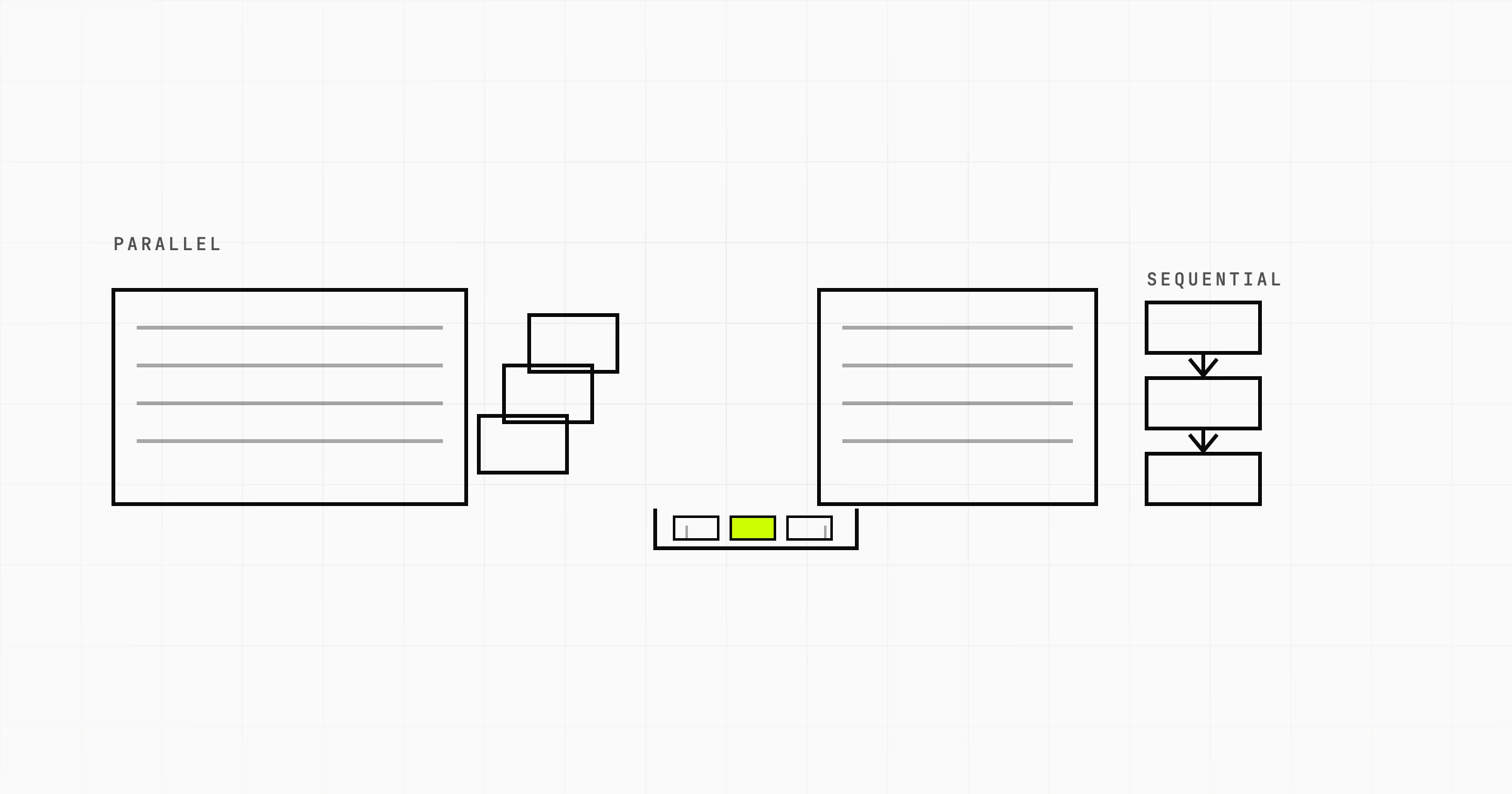
Next.js for the web front end and rendering, a Node service for the API and the workers. The browser talks to Next.js. Next.js talks to the API over the internal network during server rendering, and the client talks to it directly for anything interactive. The API owns the database, the jobs and the domain logic. Nothing is duplicated.
Our own rental marketplace product, Nestlet, is built exactly this way: Next.js App Router with TypeScript and Tailwind on the front end, NestJS and PostgreSQL behind it. The front end is responsible for what the user sees. Contract state, payment release and document handling live in the service, because they have to be correct regardless of which client triggered them.
Two things to get right here. Decide where authentication is resolved, once, and write it down: sessions that are valid in Next.js but meaningless to the API are the most common bug in this shape. And keep the API surface stable even while your own front end is its only caller. That will not stay true.
What Next.js actually adds on top of Node
This is the honest content of the comparison. Not capabilities Node lacks, but decisions Next.js makes so you do not have to.
Routing by file convention
A folder with a page.tsx becomes a URL. A folder in brackets becomes a dynamic segment. Layouts nest with the directory tree. In Express you register routes explicitly, which is more flexible and more code. Neither is wrong. The framework version means every developer on the team finds the same file for the same URL.
Rendering strategies you can pick per route
Static generation at build time for pages that do not change per user. Server rendering per request for pages that do. Incremental regeneration to refresh static pages without a full rebuild. Streaming so a slow data fetch does not hold back the rest of the document. On plain Node with a template engine or a client-only React app, you get one strategy for the whole application and you implement it yourself.
Bundling, splitting and assets
Code splitting per route, the client and server bundle boundary, font loading, and an image component that resizes and serves modern formats. Assembling the same setup on raw Node means owning a bundler configuration and keeping it alive across upgrades.
Conventions that survive handover
Data fetching, error boundaries, loading states and metadata all have one documented place to go. That is worth real money on any codebase that more than two people touch, which is most web application work past the prototype stage.
What plain Node gives you that a framework does not
Three things, and they are not small.
Full control of the request lifecycle. You choose the router, the validation layer, the ORM, the middleware order and the process model. Nothing is hidden behind a convention you have to reverse engineer when it misbehaves. For services with unusual requirements, long-lived connections, custom protocols, tight resource budgets, that control is the point.
No framework upgrade treadmill. Next.js moves quickly, and major versions have changed the routing model, the data fetching model and the caching defaults. Those upgrades are usually worth doing, but they are work you have to schedule. An Express or Fastify service pinned to a Node LTS release can sit untouched for a long time and keep doing its job.
Freedom from one vendor's deployment assumptions. A plain Node service runs anywhere that runs Node. That is a container, a VM, a bare server, a customer's own infrastructure. Which leads directly to the next section.
Hosting is where the difference actually costs you
This is the practical part people discover late. A plain Node service has one runtime expectation: run the process, give it a port, keep it alive. Any container platform does that.
A Next.js application expects more, and how much more depends on which features you use.
- Server rendering needs a running server. If you assumed you could drop the build output on a static host, only a fully static export will work, and that export gives up server rendering, route handlers and incremental regeneration.
- The build output is not a plain app directory. Self-hosting cleanly means using the standalone output mode so you get a runnable server with only the dependencies it needs, rather than shipping the entire toolchain into your image.
- Caching assumes shared storage. Run more than one instance and the incremental regeneration cache is per instance unless you configure a shared cache handler. Users then see different versions of the same page depending on which container answered.
- Image optimisation is a real service. It needs a native image library and a writable cache, and it costs CPU. On a small instance it competes with page rendering.
- Middleware may not run on Node at all. On some deployment targets it runs in an edge runtime with a restricted API surface, so Node built-ins and many npm packages are unavailable there.
None of this makes self-hosting Next.js a bad idea. It is well documented and widely done. The point is that "it is just Node" is true of the language and false of the operational contract, and that gap is where deployment week goes wrong. If your product has to be installed on a customer's own infrastructure, weigh it before you commit the architecture.
Which should you learn first?
Node, then Next.js. Not because Next.js is hard, but because Next.js assumes you already know Node and will not tell you when it is doing so.
The things that will confuse you in a Next.js codebase are Node things. Module resolution and the split between CommonJS and ESM. What process.env is and when it is populated. Streams and buffers, which appear the first time you handle a file upload or verify a webhook signature. Why a package that works on the server breaks in the browser bundle. The single-threaded event loop, which explains why one slow synchronous function makes the whole page slow.
Spend a week writing a small HTTP API with Node and Express, connect it to a database, deploy it, and then start Next.js. Every framework convention will read as a decision someone made for a reason rather than as magic. And if you go the other way, the first genuinely strange bug will cost more than the week you saved.
Trying to decide whether your product should be one Next.js application or a front end with its own API? A Scoping Sprint ($2,300, two weeks) ends with that architecture decision made for your case, a clickable prototype, and a fixed quote for the build. Or just start a conversation.