Introduction to Enterprise RAG Pipelines
In today's data-driven enterprise environment, organizations sit on vast repositories of unstructured data—documents, emails, technical manuals, and internal knowledge bases. The challenge lies not in accessing this information, but in extracting meaningful insights from it efficiently. Traditional keyword-based search approaches often fall short, returning irrelevant results or failing to understand the context behind user queries.
Retrieval-Augmented Generation (RAG) represents a paradigm shift in how enterprises approach knowledge management. By combining the power of large language models with precise information retrieval, RAG pipelines enable systems to generate accurate, contextually relevant responses grounded in your organization's specific data. This approach addresses one of the most critical limitations of standalone LLMs—their tendency to hallucinate when lacking domain-specific knowledge.
Production agents need auth, audit, evaluation and integration — that's AI agentic development.
This comprehensive guide walks you through implementing a production-ready RAG pipeline using LangChain, Chroma vector database, and Azure OpenAI. Whether you're building a customer support system, internal documentation assistant, or research platform, this architecture provides the foundation for enterprise-grade intelligent applications.
Understanding the RAG Architecture
Before diving into implementation, it's essential to understand the components that make up a RAG pipeline and how they interact. A typical RAG system consists of two primary phases: ingestion and retrieval-augmented generation.
The Ingestion Phase involves processing your documents through a pipeline that chunks text into manageable segments, generates vector embeddings using a language model, and stores these embeddings in a vector database for efficient similarity search. This phase runs periodically or triggers when new documents enter your system.
The Retrieval-Augmented Generation Phase begins when a user submits a query. The system converts this query into a vector embedding, searches the vector database for the most relevant document chunks, retrieves these chunks as context, and feeds them alongside the original question to the language model for generation.
This architecture offers several advantages for enterprise deployments. Your proprietary data never leaves your infrastructure (when using Azure's regional endpoints), the system remains current without model retraining, and you maintain full control over what information the model can access.
Prerequisites and Environment Setup
To implement this RAG pipeline, you'll need an Azure subscription with access to Azure OpenAI services. Specifically, you'll deploy two model types: an embedding model (such as text-embedding-3-small or text-embedding-ada-002) for converting text to vectors, and a chat completion model (like GPT-4 or GPT-4 Turbo) for generating responses.
Ensure your development environment includes Python 3.8 or later, and install the required packages:
pip install langchain langchain-openai langchain-community chromadb pypdf python-dotenvYou'll also need to configure Azure OpenAI credentials through environment variables or Azure's credential management system. For production deployments, consider using Azure Key Vault for secure credential storage and management.
Implementing the Document Loading Pipeline
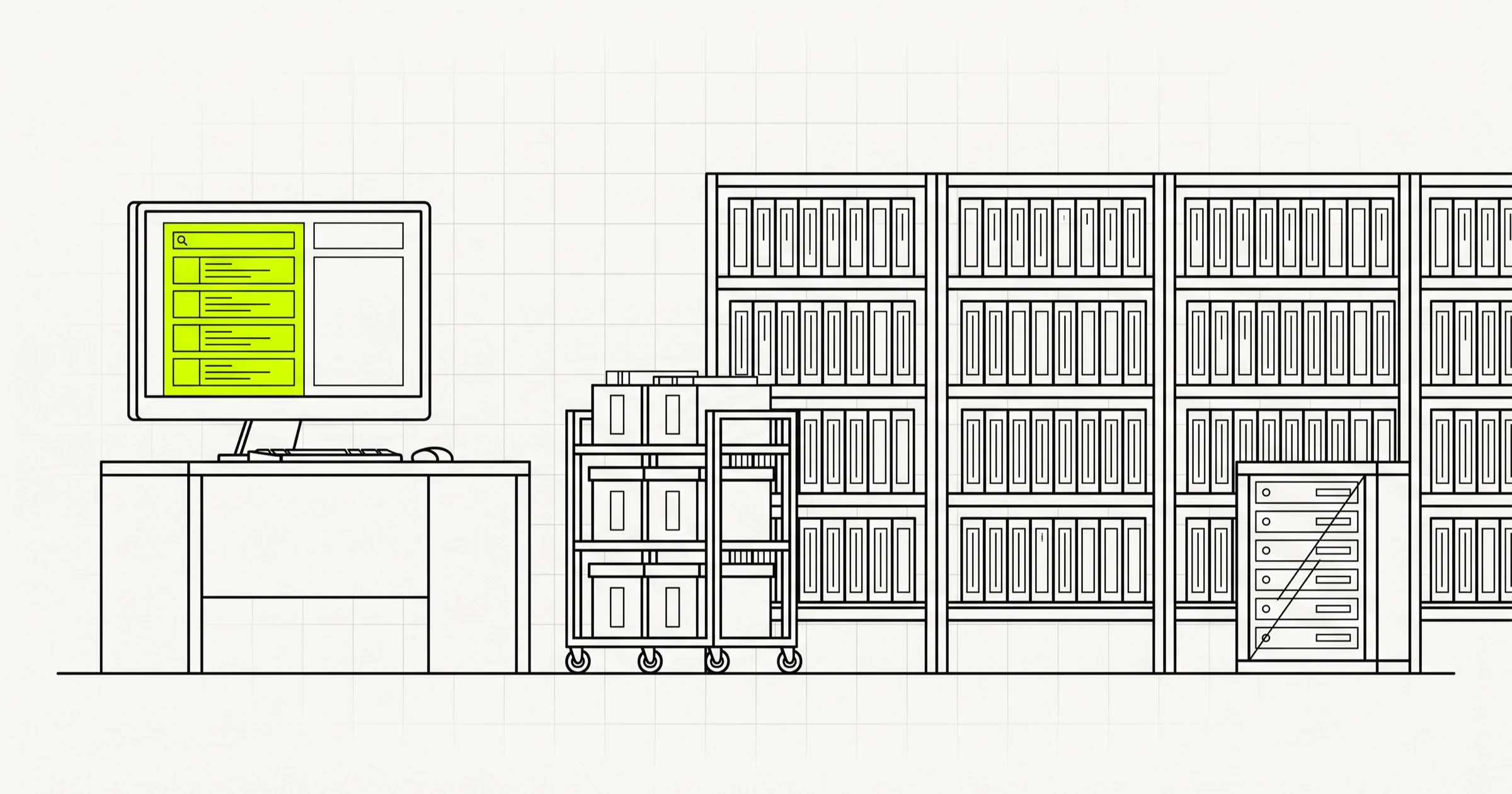
The first step in building your RAG system is loading documents from your enterprise knowledge base. LangChain provides comprehensive document loaders that handle various formats including PDFs, Word documents, HTML pages, and more.
For an enterprise knowledge base, you'll likely need to combine multiple document loaders to handle diverse file types. Here's a practical approach using LangChain's directory loader:
We treat the surrounding product as end-to-end product development, not a separate science project.
from langchain_community.document_loaders import PyPDFLoader, DirectoryLoader
from langchain.text_splitter import RecursiveCharacterTextSplitter

def load_documents(directory_path):
    loaders = {
        '.pdf': PyPDFLoader,
    }
    documents = []

    for file in Path(directory_path).rglob('*'):
        if file.suffix in loaders:
            loader = loaders[file.suffix](str(file))
            documents.extend(loader.load())

    return documents
After loading documents, the next critical step is chunking. Proper text chunking significantly impacts retrieval quality. The RecursiveCharacterTextSplitter provides a robust approach that maintains semantic coherence by splitting on multiple character types while allowing overlap between chunks:
from langchain.text_splitter import RecursiveCharacterTextSplitter

text_splitter = RecursiveCharacterTextSplitter(
    chunk_size=1000,
    chunk_overlap=200,
    length_function=len,
    separators=["\n\n", "\n", " ", ""]
)

chunks = text_splitter.split_documents(documents)
The chunk size of 1000 tokens works well for most enterprise documents, but you may need to adjust based on your specific use case. Smaller chunks improve precision but may lose context; larger chunks provide more context but reduce specificity.
Setting Up Chroma Vector Database
Chroma is an open-source vector database designed specifically for AI applications, offering fast embedding storage and similarity search with minimal infrastructure overhead. For enterprise deployments, Chroma can run in various modes—from in-memory for development to persistent storage in production environments.
Configure Chroma with Azure OpenAI embeddings:
from langchain_community.vectorstores import Chroma
from langchain_openai import AzureOpenAIEmbeddings
import os

os.environ["AZURE_OPENAI_API_KEY"] = os.getenv("AZURE_OPENAI_API_KEY")
os.environ["AZURE_OPENAI_ENDPOINT"] = os.getenv("AZURE_OPENAI_ENDPOINT")

embeddings = AzureOpenAIEmbeddings(
    model="text-embedding-3-small",
    azure_deployment="text-embedding-3-small",
    api_version="2024-02-01"
)

vector_store = Chroma.from_documents(
    documents=chunks,
    embedding=embeddings,
    persist_directory="./chroma_db"
)
For enterprise deployments, consider deploying Chroma in a client-server mode or using Docker containers to ensure scalability and high availability. Chroma supports persistence, meaning your embeddings survive application restarts—a critical requirement for production systems.
Building the Retrieval-Augmented Chain
With your vector store populated, you now need to construct the chain that will handle user queries. LangChain provides several patterns for this, with the RetrievalQA chain being the most straightforward for basic implementations:
from langchain_openai import AzureOpenAI
from langchain.chains import RetrievalQA

llm = AzureOpenAI(
    model="gpt-4",
    deployment_name="gpt-4",
    api_version="2024-02-01",
    temperature=0
)

qa_chain = RetrievalQA.from_chain_type(
    llm=llm,
    chain_type="stuff",
    retriever=vector_store.as_retriever(search_kwargs={"k": 3}),
    return_source_documents=True
)
The chain_type parameter determines how retrieved documents are incorporated into the prompt. The "stuff" method simply concatenates all retrieved documents into the context window—this works well when you have a small number of relevant documents. For larger document sets, consider "map_reduce" or "refine" chains that process documents iteratively.
Customize the prompt to improve response quality for your specific use case:
from langchain.prompts import PromptTemplate

prompt_template = """Use the following context to answer the question.
If you cannot find the answer in the context, say so clearly rather than guessing.

Context: {context}

Question: {question}

Answer: """

qa_chain = RetrievalQA.from_chain_type(
    llm=llm,
    chain_type="stuff",
    retriever=vector_store.as_retriever(search_kwargs={"k": 3}),
    prompt=PromptTemplate.from_template(prompt_template),
    return_source_documents=True
)
Enterprise Deployment Considerations
Moving from development to production requires addressing several enterprise-specific concerns. Security, scalability, monitoring, and maintenance become paramount when deploying mission-critical AI systems.
Use our SaaS development cost guide to budget the product shell around the models.
Data Security and Compliance: Azure OpenAI provides enterprise-grade security with data residency options, encryption at rest and in transit, and compliance certifications including SOC 2, ISO 27001, and GDPR. Configure your deployments to use regional endpoints to ensure data processing occurs within your required geographic boundaries.
Scalability: Implement caching strategies to reduce costs and improve response times for frequently asked questions. Consider using Azure Cache for Redis to store both embeddings and generated responses. For high-volume deployments, implement load balancing across multiple Azure OpenAI endpoints.
Monitoring and Observability: Integrate Azure Application Insights to track key metrics including query latency, token usage, retrieval accuracy, and user satisfaction scores. Implement logging to capture both successful interactions and failures for continuous improvement.
Model Updates and Versioning: Establish a process for evaluating and deploying model updates. Azure OpenAI regularly releases improved model versions—maintain testing pipelines to validate performance before production deployment.
Optimizing Retrieval Quality
The effectiveness of your RAG pipeline ultimately depends on retrieval quality. Even the most powerful language model cannot generate accurate responses if it receives irrelevant context. Implement these strategies to improve retrieval performance:
Hybrid Search: Combine semantic search (vector similarity) with keyword search (BM25) to capture both conceptual and exact matches. LangChain supports integration with techniques like Meta's hippocampal memory or proprietary solutions.
Re-ranking: After initial retrieval, use a re-ranking model to prioritize the most relevant documents. Azure AI Search includes built-in re-ranking capabilities that significantly improve result quality.
Query Understanding: Implement query preprocessing to expand abbreviations, correct spelling, and rephrase questions for better matching. This is particularly important in enterprise contexts where users may use domain-specific terminology inconsistently.
Conclusion
Implementing RAG pipelines with LangChain, Chroma, and Azure OpenAI provides enterprises with a powerful foundation for building intelligent knowledge management systems. This architecture combines the flexibility of open-source components with the enterprise-grade security, compliance, and scalability of Azure's cloud infrastructure.
The key to success lies not just in the technical implementation, but in understanding your specific use case and optimizing accordingly. Document chunking strategies, retrieval parameters, and prompt engineering should all be tuned based on your actual user queries and knowledge base characteristics.
As language models continue to evolve, RAG architectures will become increasingly sophisticated. Organizations that invest in building robust RAG pipelines now position themselves to take advantage of future advances while immediately improving their knowledge access capabilities.
For enterprises ready to transform their knowledge management, Sapient Codelabs offers expertise in designing and implementing production-ready AI solutions. Our team can help you navigate the complexities of RAG implementation, from initial architecture design through deployment and optimization.
Building this? A Scoping Sprint ($2,300, two weeks) ends with a clickable prototype, a technical plan and a fixed quote — or just start a conversation.