
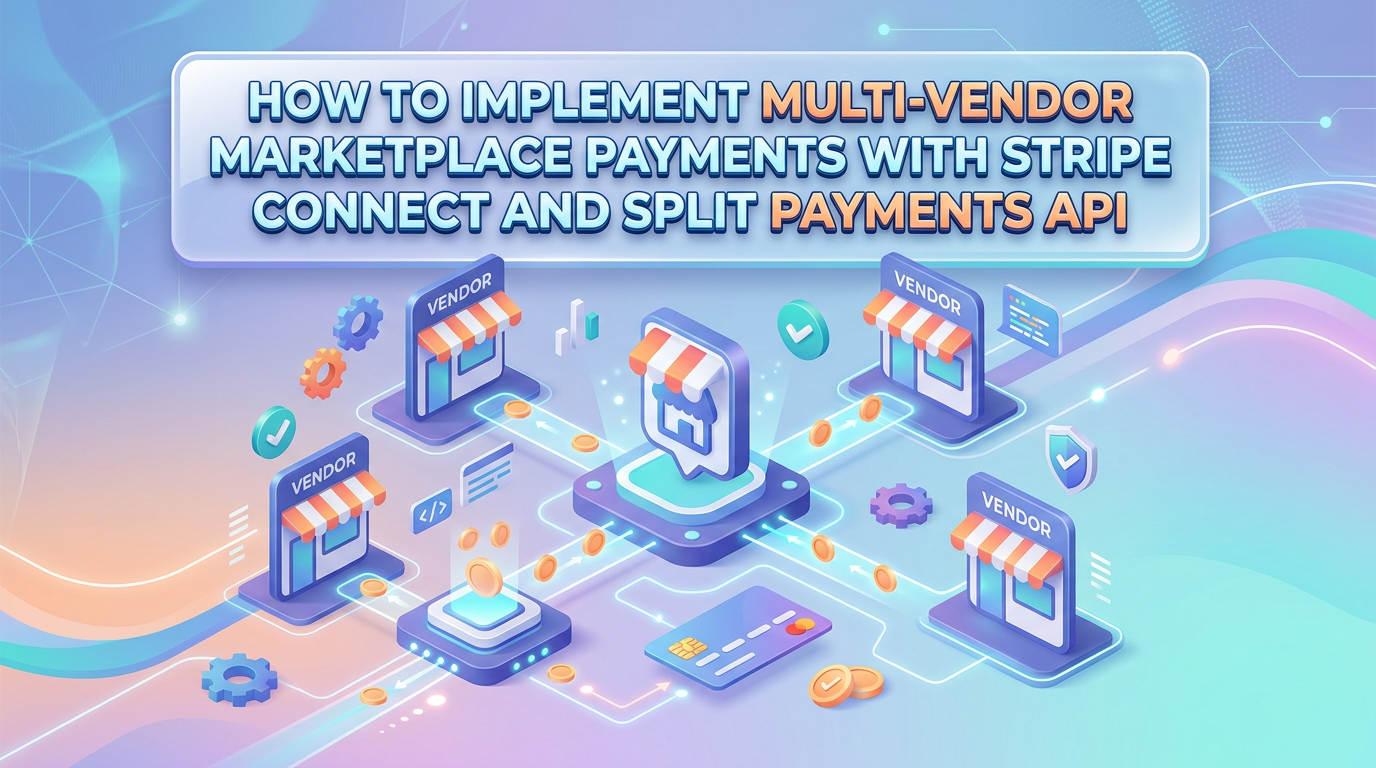
Introduction to Multi-Vendor Marketplace Payments
In the rapidly evolving landscape of e-commerce, multi-vendor marketplaces have become a dominant business model. From platforms like Etsy and Airbnb to custom B2B marketplaces, the ability to facilitate transactions between multiple sellers and buyers while seamlessly handling payments is crucial for success. However, payment processing for multi-vendor marketplaces presents unique challenges that traditional payment gateways simply cannot address.
Building a marketplace where you need to split payments between your platform and multiple vendors requires sophisticated payment infrastructure. This is where Stripe Connect and its Split Payments API come into play, offering a robust solution for developers and businesses looking to implement sophisticated payment distribution mechanisms.
Sapient Codelabs has extensive experience in building payment integrations for marketplace applications. In this comprehensive guide, we'll walk you through the process of implementing multi-vendor marketplace payments using Stripe Connect and the Split Payments API, covering everything from initial setup to advanced configurations.
Understanding Stripe Connect for Marketplaces
Stripe Connect is a specialized product designed specifically for platforms and marketplaces that need to facilitate payments between multiple parties. Unlike standard Stripe accounts, Connect provides the infrastructure to onboard vendors, manage their payment processing, and handle the complex money flows that occur in marketplace transactions.
The core value proposition of Stripe Connect lies in its ability to abstract away the complexities of payment distribution. Instead of building custom integrations with multiple payment processors or managing complex accounting reconciliation, developers can leverage Stripe's unified API to handle everything from vendor onboarding to final payouts.
Stripe Connect supports several account types, each designed for different marketplace models. Understanding these account types is essential for choosing the right approach for your marketplace:
Standard Accounts give vendors full control over their Stripe presence. Vendors manage their own dashboard, onboarding, and payouts. This model works well for marketplaces where vendors are established businesses comfortable with Stripe's interface.
Express Accounts provide a balance between simplicity and customization. Stripe handles the onboarding UI and dashboard, while you maintain control over the payment experience. This is ideal for marketplaces wanting a consistent user experience while minimizing administrative overhead.
Custom Accounts offer maximum flexibility but require more development work. You build entirely custom onboarding flows and dashboards while leveraging Stripe's underlying payment infrastructure. This suits marketplaces with unique requirements or brand-specific payment experiences.
Setting Up Stripe Connect for Your Marketplace
Before implementing split payments, you need to set up your Stripe Connect platform. The initial setup involves creating a Stripe account if you haven't already, then enabling Connect through the Stripe Dashboard. This process is straightforward but requires careful configuration to match your marketplace's specific needs.
The first technical step involves creating connected accounts for each vendor in your marketplace. This is typically done through the Stripe API when a vendor completes your onboarding process. You'll need to generate account links that redirect vendors to Stripe's onboarding flow, where they'll provide necessary business information and bank account details for receiving payouts.
For Express accounts, you can create the account and generate an account link in a single flow:
The onboarding process handles identity verification, tax information collection, and bank account validation automatically. Stripe's compliance infrastructure manages the regulatory requirements, which is particularly valuable given the complexity of payments regulation across different jurisdictions.
Once a vendor's account is created and verified, you can begin processing payments on their behalf. The key architectural decision here involves how you'll structure payments and transfers in your system. Most marketplaces choose to be the merchant of record, meaning the customer sees your platform's name on their statement, while the actual vendor receives the funds (minus your platform fee).
Implementing Split Payments with Stripe's Payment APIs
Stripe offers multiple approaches to implementing split payments, and choosing the right one depends on your marketplace's specific requirements. The two primary methods are using application fees with direct charges and using transfer groups with separate transfers.
Method 1: Application Fees with Direct Charges
The simplest approach involves adding an application fee directly to a charge. When you create a charge on behalf of a connected account, you specify an application fee amount that your platform retains. The remaining amount is automatically transferred to the connected account's Stripe balance.
Here's how it works: when a customer makes a purchase, you create a PaymentIntent or Charge object with the connected account as the destination. The application_fee_amount parameter specifies how much your platform keeps, and Stripe automatically calculates the transfer to the vendor.
This method is straightforward and works well for marketplaces with simple fee structures. However, it has limitations when you need more complex payment flows, such as splitting payments between multiple vendors or handling conditional fees based on product categories.
Method 2: Separate Transfers with Transfer Groups
For more complex scenarios, Stripe recommends creating a payment to your platform first, then using separate transfer objects to distribute funds to connected accounts. This approach provides greater flexibility and is the foundation for implementing true split payments.
The process involves several steps: first, create a PaymentIntent for the full amount charged to the customer. Then, create transfers to move funds to the appropriate connected accounts. You can create multiple transfers from a single payment, enabling scenarios like splitting payment between a primary vendor and a secondary seller.
The transfer_group parameter allows you to associate transfers with specific payments or orders in your system, which is essential for maintaining proper accounting and reconciliation. This is particularly important for marketplaces where customers might purchase items from multiple vendors in a single transaction.
Handling Webhooks and Payment Events
Implementing robust webhook handling is critical for a production-ready payment system. Stripe sends webhooks for various events including successful payments, failed charges, transfer completions, and connected account updates. Your system needs to process these events to maintain accurate financial records and provide good user experiences.
Key events to handle include payment_intent.succeeded, which confirms a successful transaction and triggers order fulfillment. The charge.refunded event handles partial or full refunds, which require updating your internal records and potentially adjusting vendor payouts. Connected account events like account.updated help you track vendor verification status and compliance requirements.
When processing webhooks, always verify the webhook signature to ensure requests genuinely come from Stripe. Stripe provides a signature header that you validate using your webhook secret. This prevents malicious actors from sending fake payment events to your system.
Managing Refunds and Disputes
Marketplace payment systems must handle refunds and disputes gracefully. Stripe provides comprehensive APIs for processing refunds, but marketplace implementations require additional consideration for how refunds affect vendor payouts.
When you process a refund, Stripe automatically handles the fund movement: the customer's payment is reversed, your platform fee is refunded, and the vendor's portion is debited from their Stripe balance. However, you may need to handle scenarios where a vendor's balance is insufficient or where you've already paid out funds to the vendor.
For disputes (chargebacks), Stripe notifies you through webhooks and provides dispute objects with details about the customer's claim. Marketplaces typically handle disputes on behalf of vendors, though you can configure whether vendors receive dispute notifications and whether they share responsibility for dispute fees.
Best Practices for Production Implementations
When implementing Stripe Connect for production marketplaces, several best practices ensure reliability, security, and good user experience. First, implement idempotency for all payment-related API calls. Network failures can cause duplicate requests, and idempotency keys prevent duplicate charges or transfers.
Second, maintain comprehensive audit logs of all payment activities. While Stripe provides extensive dashboards and reporting, your system should track the relationship between payments, transfers, vendors, and orders for internal reconciliation and debugging.
Third, implement proper error handling and retry logic. Payment operations can fail for various reasons including insufficient funds, bank rejections, and network issues. Your system should handle these gracefully, provide meaningful error messages to users, and have processes for manual intervention when automated resolution fails.
Fourth, consider the timing of payouts to vendors. Stripe provides automatic payout schedules, but you may want to implement custom payout logic that holds funds for a period (like a review window) before releasing them to vendors. This provides protection against refunds and disputes while maintaining good vendor relationships.
Security and Compliance Considerations
Security is paramount when handling financial transactions. Stripe handles most security aspects at the platform level, but you remain responsible for securing your integration and protecting sensitive data. Never store raw card numbers; instead, use Stripe's tokenization to handle payment information securely.
Compliance requirements vary based on your marketplace's geography and the types of transactions you process. Stripe handles PCI compliance through their infrastructure, but you may need additional compliance measures depending on your business model. Understand your obligations regarding know-your-customer (KYC) requirements and anti-money laundering (AML) regulations.
For marketplaces operating in multiple countries, consider how you'll handle currency conversion and cross-border payments. Stripe supports multiple currencies, but you'll need to decide whether vendors receive payouts in their local currency or in a single currency accepted by your platform.
Conclusion
Implementing multi-vendor marketplace payments with Stripe Connect and Split Payments API opens up tremendous possibilities for building sophisticated marketplace platforms. The combination of flexible account types, robust payment APIs, and comprehensive webhooks provides the foundation for handling complex payment flows while maintaining security and compliance.
Whether you're building a simple two-sided marketplace or a complex platform with thousands of vendors, Stripe Connect scales to meet your needs. The key is understanding your specific requirements, choosing the right account types and payment flows, and implementing robust error handling and reconciliation processes.
At Sapient Codelabs, we specialize in building custom marketplace solutions with sophisticated payment integrations. Our team has extensive experience implementing Stripe Connect for various marketplace models, from B2B platforms to consumer marketplaces. If you're looking to build or enhance your marketplace payment infrastructure, our experts can guide you through every step of the implementation process.
The future of marketplace commerce depends on seamless payment experiences. By leveraging Stripe Connect's powerful APIs, you can focus on building your marketplace's unique value proposition while leaving the complex payment infrastructure to battle-tested technology.