Carbon is an engineering metric. It has units, it has a measurement method, and it responds to the same changes that make a page load faster. That is the honest case for sustainable web development, and it is a much better one than guilt.
Most writing on this subject is moralising and unmeasurable. It tells you to care, recommends a green host, suggests a minimalist design, and never gives you a number you can put in a budget or a check you can run in CI. So nothing changes, because nothing was measured.
The useful framing is simpler. A page's environmental cost is mostly bytes moved and work done, on servers and on the phone in someone's hand. Both are things engineers already measure. Cut them and the page gets faster, Core Web Vitals improve, the hosting bill drops, and the carbon estimate falls as a side effect. You rarely have to choose between the fast version and the green version, because they are the same version.
Where the energy actually goes when someone loads your page
There are four places, and teams consistently misjudge which one dominates.
Network transfer. Every byte crosses access networks, backbone links and often a mobile radio. This is what most people picture as "the carbon of a website", it scales linearly with page weight, and your browser already tells you the number.
The user's device. This is the one people forget, and on a modern site it often outweighs the server side. Parsing and executing JavaScript, decoding images, laying out and painting, running animation frames, keeping a WebSocket warm: all of it runs on the visitor's CPU and drains the visitor's battery, multiplied by every visit.
The second-order version matters more than the electricity. Heavy client-side code is what makes a four-year-old Android feel broken, and making cheap devices feel obsolete pushes people to replace hardware. The manufacturing footprint of a phone dwarfs the electricity it will ever spend browsing your site, so shipping less JavaScript is a hardware-longevity decision as much as an energy one.
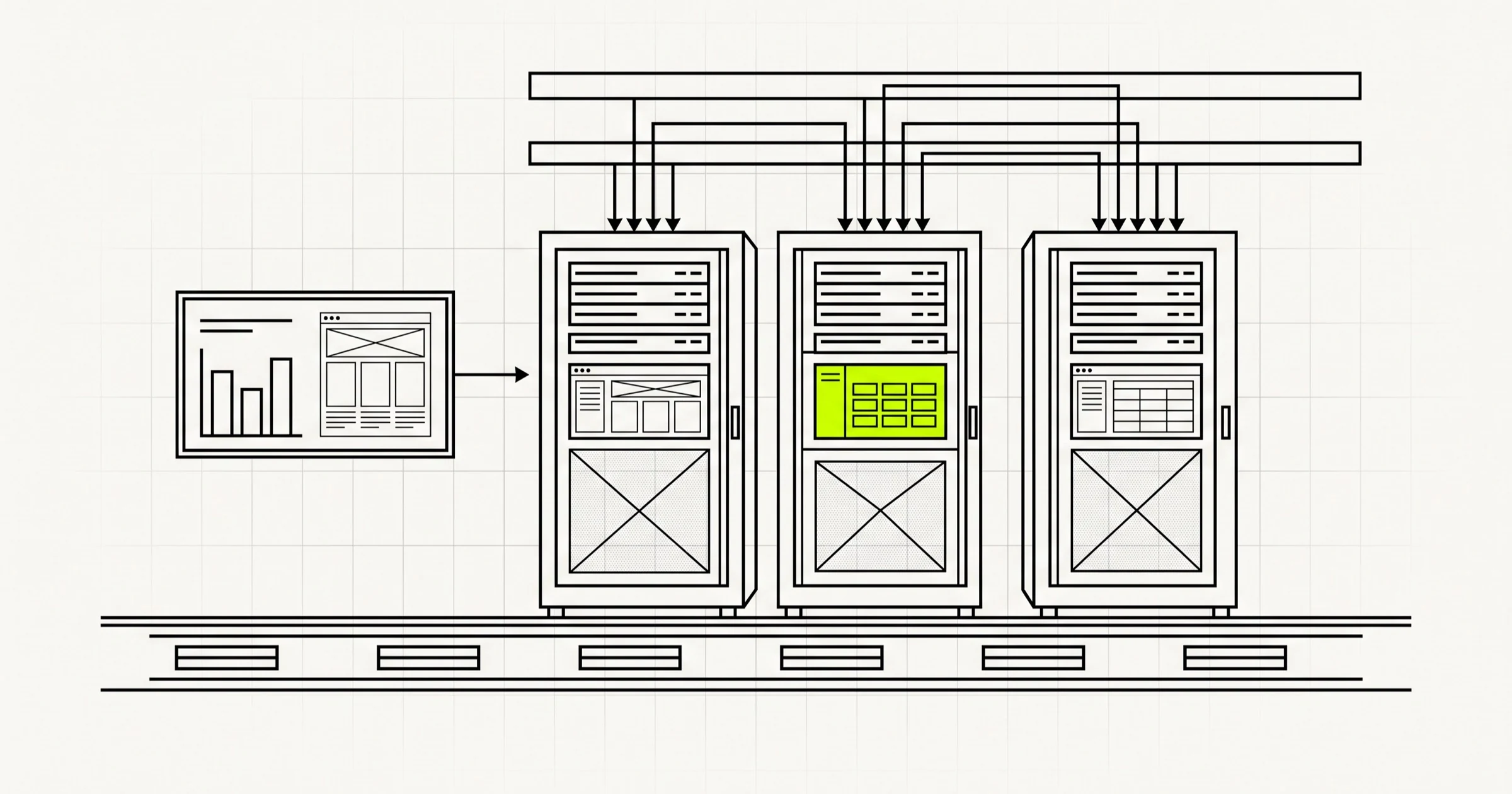
Server compute. Rendering, database queries, API calls, background jobs, cron tasks, log ingestion. For a content site this is usually the smallest of the three. For a data-heavy application it can be the largest, once you count everything that runs when nobody is looking.
Storage and the always-on tail. Databases, object storage, backups, log retention, analytics warehouses, drawing power whether or not anyone visits. Invisible in a page-load profile and absent from every "green website" checklist, which is why it grows unchecked.
Only the first of those is about the website in the narrow sense. The same accounting applies to a background worker or an ML pipeline, and there is a section on that below.
Measure it instead of guessing
You cannot manage what you only feel strongly about. Three layers are worth setting up, in increasing order of how much you should trust them.
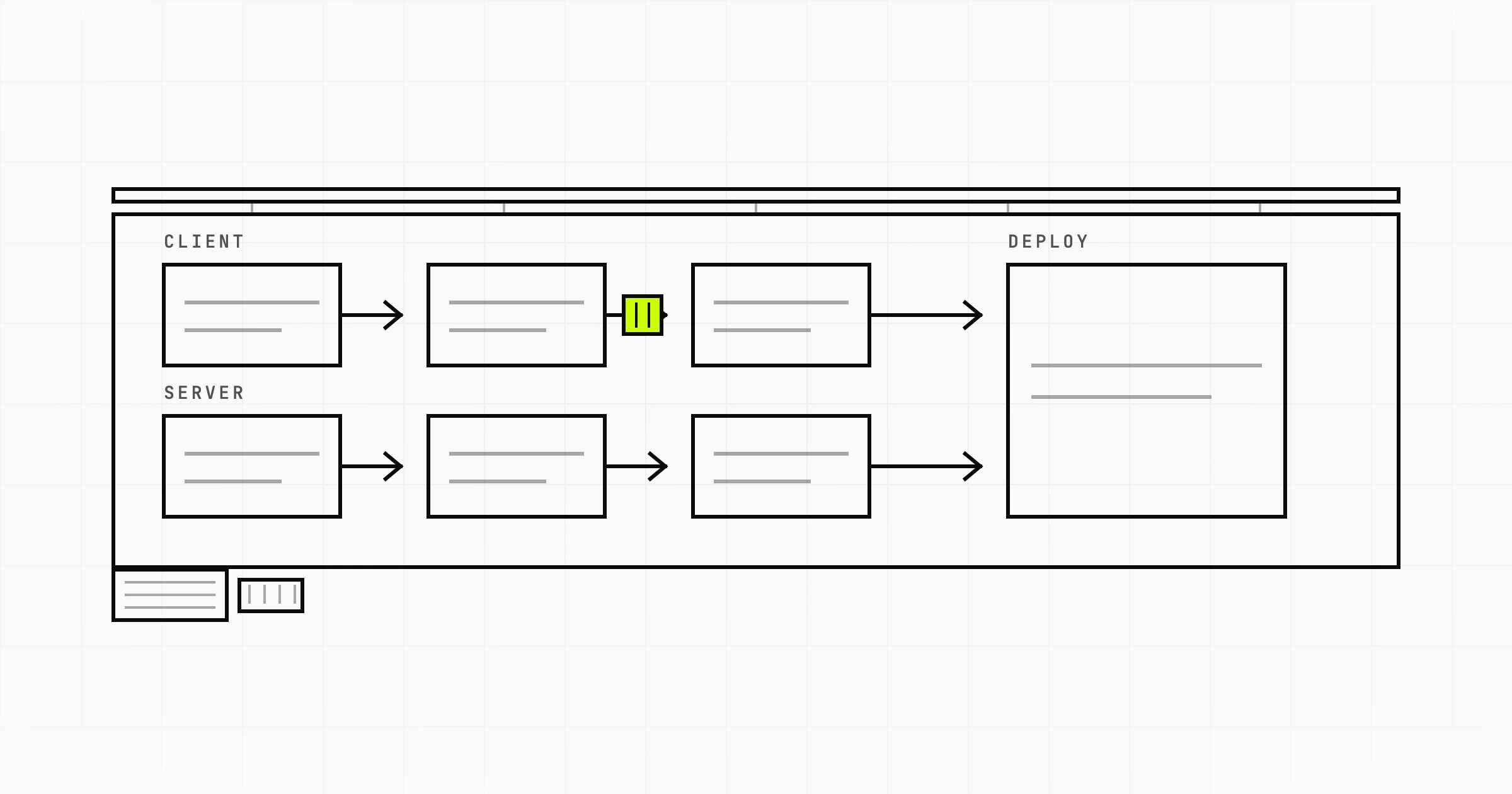
1. A page weight budget, enforced in CI
Pick a transfer-size budget per template and fail the build when it is exceeded. Split it by resource type, because one number hides the problem: so many kilobytes of JavaScript, so many of images, so many of fonts, so many of CSS. Measure transfer size, compressed over the wire, not the uncompressed figure your bundler prints.
Budgets work because they are a ratchet. Without one, every sprint adds a widget, a tag manager script, an experiment framework and a chat bubble, and no single addition looks unreasonable. With one, the person adding the fifth analytics script has to delete something or argue for more budget. That argument is the entire mechanism.
2. Core Web Vitals as a proxy for device work
You are probably tracking these already, and they map onto energy better than you would expect. Largest Contentful Paint is driven by how many bytes must arrive before the page is useful. Interaction to Next Paint is close to a direct read on main-thread work, which is to say how much of the user's battery your JavaScript is spending. Field data beats lab data here: a synthetic run on fast fibre will not show you the mid-range Android on a congested network, and that device is where the real energy is going.
3. Carbon per pageview, treated as an estimate
Tools convert page weight into an estimated carbon figure. The Green Web Foundation publishes an open library, and public calculators use the same style of model. They are worth using, and they are estimates, which you should say out loud rather than putting a spuriously precise gram figure in a deck.
The inputs are genuinely uncertain. The energy intensity of data transfer is contested, with a wide range in the literature. Grid intensity varies by country, season and hour. The model does not know your cache hit rate, so it does not know how many bytes were actually sent, and it does not know your visitors' device mix even though device energy is a large share of the total. Use these figures the way you use a story-point estimate: good for comparing this month against last with the same method, weak as an absolute claim. The defensible sentence is "we cut median transfer size by 60% and the estimate fell with it", not "this page emits exactly 0.4 grams".
The levers, ranked by what they actually move
This ranking is deliberately not organised by how virtuous each item feels.
| Lever | Typical impact | Effort | Notes |
|---|---|---|---|
| Image and video strategy | Very high | Low to medium | Usually the majority of page weight. Best return per hour. |
| JavaScript bundle size | High | Medium to high | Saves transfer and device compute at once. Often architectural. |
| Caching and CDN edge delivery | High | Low | Bytes never re-sent are the cheapest bytes there are. |
| Font loading | Medium | Low | Small in size, outsized render-blocking effect. |
| Static generation over per-request rendering | Medium | Medium | Removes server compute for pages that do not change. |
| Hosting region choice | Medium to high | Very low | One config value, if latency and residency rules allow. |
| Right-sizing infrastructure | Medium | Medium | Idle capacity draws power continuously. |
| Backend query and job efficiency | Medium | Medium | Invisible in a page profile, runs constantly. |
| Minification and whitespace | Very low | Low | Your build already does it. Not a strategy. |
| Dark mode and colour choices | Negligible | Low | Real only on OLED, and small. |
Images and video are almost always the biggest win
On a typical marketing or content page, media is the majority of the bytes. Everything else is a rounding error next to a hero video that autoplays before anyone has decided to stay.
The work is unglamorous and well understood. Serve AVIF or WebP with a fallback. Generate multiple widths and let srcset pick, so a 390-pixel-wide phone does not download a 2400-pixel image. Set explicit width and height so nothing reflows. Lazy-load below the fold and, just as importantly, do not lazy-load the LCP image. For video: drop the autoplay, use a poster image, adapt the bitrate, and ask whether a still plus a play button loses anything a visitor cares about.
Shipping less JavaScript pays twice
Every kilobyte is paid for twice, once crossing the network and again on the device that must parse, compile and execute it. Audit the bundle before optimising it. Most bloat is a few large things: a date library imported whole for one format call, an icon set where five icons were needed, a charting library on a page with no chart, a polyfill bundle for browsers nobody uses, three overlapping analytics tags nobody has owned since the person who added them left. Third-party scripts deserve extra suspicion because they escape your budget entirely and change without notice.
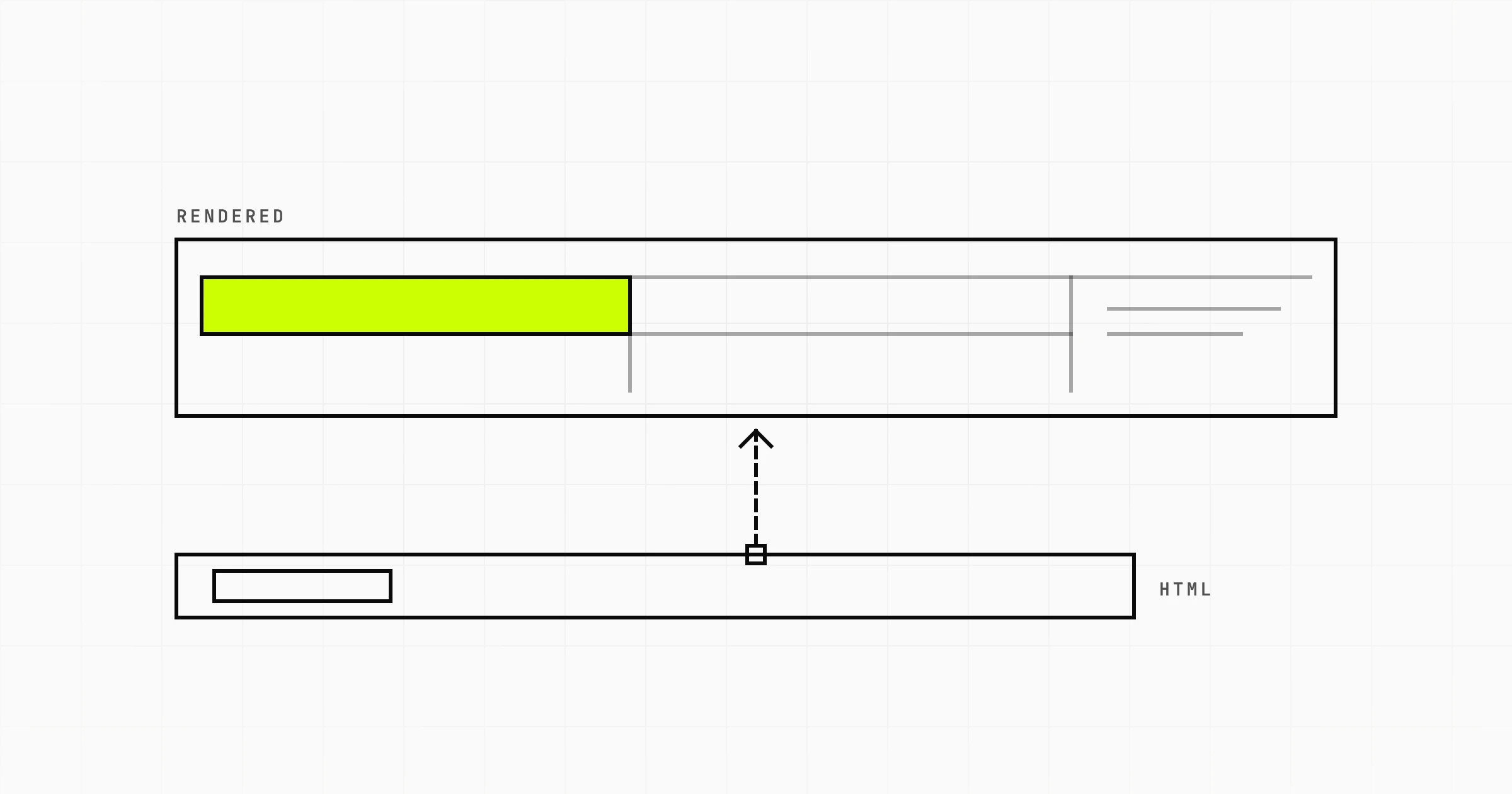
Then the architectural question. Does this page need to be a client-rendered application at all? Mostly text and images, shipped as HTML with a little JavaScript for the interactive parts, is faster and lighter than the same page reconstructed in the browser from a JSON payload. Server components, islands and progressive enhancement all lead to the same outcome: send markup, not a program that produces markup. We build most client web applications on React and Node, and what matters is not the framework, it is being deliberate about which parts of a page genuinely need to be interactive.
Fonts, caching and the CDN
Fonts are small in bytes and large in effect, because they block text from rendering. Self-host rather than adding a third-party connection, subset to the characters you use, load with font-display: swap, and question every extra weight: two weights of one family covers most designs. Caching gives the highest return per hour here, because a cached byte is never sent. Long max-age on fingerprinted assets, sensible revalidation on HTML, and a CDN so the response travels from a nearby edge rather than across an ocean.
Static generation versus rendering every request
If a page changes hourly and is requested thousands of times an hour, rendering it per request repeats identical work thousands of times. Pre-render, cache at the edge, revalidate on publish. Not universal: personalised dashboards and anything reflecting live state must render per request, and pretending otherwise produces stale data bugs. The rule of thumb is that a page identical for all anonymous visitors should not be computed more than once per change.
The things people fixate on that barely matter
Worth saying plainly, because effort spent here is effort not spent above. Stripping HTML whitespace, shaving bytes off variable names, picking a "greener" colour palette: your build already handles the parts that matter, and the rest is noise next to one unoptimised hero image. Offer dark mode because people prefer it at night, not as a carbon initiative. A badge in the footer is a claim, not a reduction.
Web development best practices and green code are the same list
Almost nothing above is unique to sustainability. Ask a senior engineer what makes an application efficient, then ask a sustainability consultant what makes it low-carbon, and the lists are nearly identical. The backend is where most of the hidden waste sits, because none of it shows up in a page-weight audit:
- N+1 queries. One request triggering two hundred round trips instead of one join. The classic performance bug is also a classic energy bug.
- Over-fetching. Endpoints returning whole objects when the client renders three fields, paid for in database work, serialisation and transfer.
- Polling. A dashboard hitting an endpoint every three seconds for data that changes twice a day, on every open tab, forever. Server-sent events exist, and so does asking whether the data needs to be live.
- Re-render storms. A React tree re-rendering the world because a context value is recreated each render. That cost lands entirely on the user's device.
- Unbounded background work. A nightly job scanning a whole table when it needed only yesterday's changes. It gets slower every day and nobody notices until it times out.
- Log and event volume. Debug logging in production, analytics events fired twice, full-fidelity traces on healthy requests. Ingestion, indexing and retention cost continuously.
None of that requires a sustainability programme. It requires the profiling and code review a good team already does. If your organisation funds "performance work" but not "green work", they are the same budget line, and the performance framing is easier to get approved.
Hosting and infrastructure: region, sizing, and what "renewable" really means
Infrastructure offers the best effort-to-impact ratio available, and also the most marketing.
Region choice
Grid carbon intensity varies enormously between regions. Identical compute on a grid powered largely by hydro or nuclear produces very different emissions from the same workload on a coal-heavy one, and major cloud providers publish carbon information per region. Changing region is often one configuration value, which makes it the cheapest real reduction here. The constraints come first: latency, data residency, and which managed services exist where. A greener region that puts 200 milliseconds between you and your customers is not a trade most products should make, but when two candidates are equivalent, carbon intensity is a legitimate tiebreak.
Right-sizing beats over-provisioning
Most infrastructure is sized for a peak that arrives rarely, then runs at low utilisation permanently. An idle server does not draw zero power. It draws a substantial fraction of its peak while doing nothing useful, so low utilisation is wasted energy as well as wasted money.
The fixes are ordinary operations work. Check real utilisation before renewing instance sizes. Autoscale down as readily as up. Use scale-to-zero for spiky low-volume workloads where an always-on instance idles most of its life. Delete the staging environment nobody has opened in six months and the orphaned load balancer still billing for a service decommissioned last year. Cost dashboards are a decent proxy for carbon, and finance will happily help you find the waste.
What a provider's renewable claim actually means
"Powered by 100% renewable energy" covers several quite different things.
- Annual market-based matching. Certificates bought to equal yearly consumption, possibly generated in another place at another time. The most common claim and the weakest.
- Power purchase agreements. Contracts with specific generation projects, sometimes bringing new capacity onto the grid. Stronger, because it changes what gets built.
- Hourly carbon-free matching. Consumption matched to clean generation on the same grid in the same hour. The demanding version, and the only one reflecting what the plug actually drew.
- Offsets. Emissions produced, then compensated elsewhere. Not the same as not emitting, and project quality varies widely.
You are not obliged to audit anyone, but when a host advertises green credentials, ask which of the four it is and whether they publish a figure per region rather than one global claim. None of this moves hosting cost much, and our web application cost guide covers what actually drives those numbers.
Green software engineering beyond the browser
If your concern is software energy generally rather than page weight, the same measure-then-cut approach applies to everything that runs on a schedule.
Move flexible work in time or space. Batch reports, model retraining, large imports and non-urgent media processing do not care when they run, and grid intensity swings through the day, so the same compute emits less when the grid is cleaner. That is carbon-aware scheduling, and it needs no code change beyond a smarter trigger.
Look hard at data retention. Storage is the quietest cost in any system. Verbose logs kept for years because nobody chose a policy, snapshots from a migration finished two years ago, buckets with no lifecycle rules. Sampling traces on healthy requests and setting expiry policies is an afternoon of work that keeps paying.
Be deliberate about machine learning. Training is the expensive part, and retraining weekly when the data has barely shifted is waste. Check whether the model degraded before rebuilding it, prefer the smallest model that clears your quality bar, and cache inference for repeated identical inputs. Choosing a small task-specific model over a large general one is an energy decision as well as a cost one, worth making explicitly when you plan AI features.
Trim CI. Continuous integration runs constantly and nobody profiles it. Cache dependencies, skip jobs when nothing in their path changed, stop running the full browser matrix on every feature-branch commit, and cancel superseded runs.
The biggest lever is the feature nobody uses
Everything above is real and worth doing. None of it is the largest lever in most projects.
The largest lever is not building the thing. A shipped feature carries a permanent tail: bytes on every page load, code in every bundle, rows in the database, background jobs, test runs on every commit, dependencies to patch, and someone's attention every time it breaks. Optimising a feature nobody uses is a rounding error next to deleting it.
Second largest is deleting what is already dead. Most products carry a graveyard: the report built for one customer who churned, the integration nobody enabled, the settings page with three toggles that do nothing, the A/B test that concluded eighteen months ago and still ships both branches. Instrument usage, agree a threshold, run a sunset review on a schedule. Deleting a feature removes its transfer, compute, storage, CI minutes and maintenance at once. No amount of image compression matches that.
This shows up in product decisions, not just cleanups. Denti360, our dental practice management platform, is a responsive web application with no native mobile apps, because clinic staff work at a desk with a screen in front of them. Two applications not built are two not shipped, not maintained and not updated on thousands of phones. That call was made on user behaviour, not sustainability grounds, which is the point: scope discipline and low-carbon engineering keep producing the same answer.
So ask the question earlier. Before a build, decide what the product genuinely needs rather than what a competitor's feature list implies, which is most of what a good MVP scoping process is for. After launch, review usage and be willing to remove things. Start this week with an image audit and a page weight budget in CI, because those are hours of work with visible results, and keep the ranking above on hand for the next time someone proposes a carbon badge instead of deleting the autoplay video above it.
Wondering how much weight your product is actually carrying, and what it would cost to fix? A Scoping Sprint ($2,300, two weeks) ends with a performance and page weight plan made for your case, a prototype, and a fixed quote. Or just start a conversation.